Guides
Game Vault Online Login: How to Access Your Account
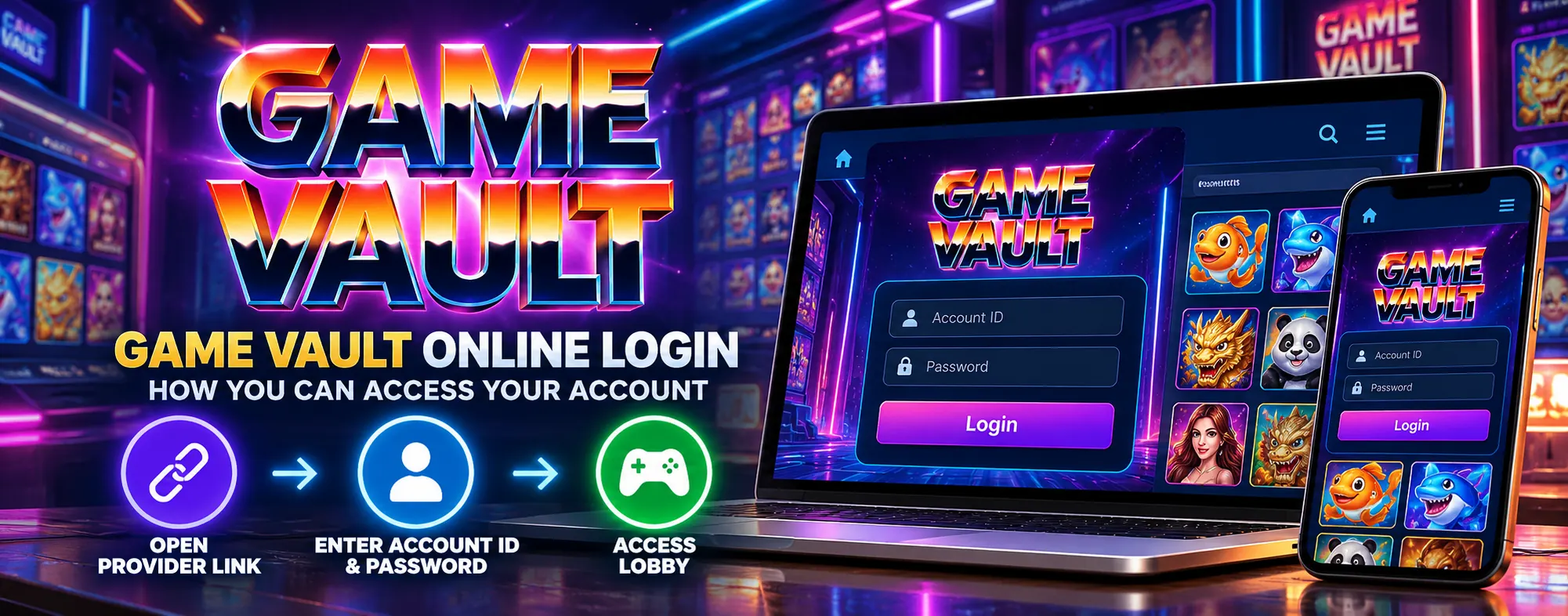
For the GoodGDragon-linked Game Vault route covered here, start from your GoodGDragon account rather than relying on unrelated Game Vault login pages found in search results.
Log in to GoodGDragon, open the Game Vault entry in your lobby, and follow the account setup, credentials and access method shown there.
If you are new to GoodGDragon, create an account first.
This guide covers the wallet-integrated Game Vault platform inside the GoodGDragon lobby. A separate Game Vault Link2Play destination may also be available through the GoodGDragon platforms area, but that route uses a different account and balance flow.
Below, you will find how GoodGDragon-linked Game Vault access works, what to check when you cannot get in, and how the wallet and game balance work.
Where Your Game Vault Login Details Come From
Your GoodGDragon account is the account you register with. It gives you access to the GoodGDragon lobby and holds your Sweepstakes Coins wallet.
Game Vault access details are handled separately from your main GoodGDragon login. The exact Game Vault account setup and credentials available to you can depend on the current platform configuration.
Open the Game Vault entry inside your signed-in GoodGDragon account and follow the account setup and login details shown there.
If the interface displays Game Vault credentials or account controls, use the details associated with your GoodGDragon-linked Game Vault access rather than credentials from an unrelated Game Vault service.
Keep any login details private and use them only through the access route shown in your GoodGDragon account.
Setting Up Game Vault Through GoodGDragon
1. Register With GoodGDragon
Sign up for GoodGDragon with a phone number or email address, complete the verification steps shown during registration, and choose a password.
If you already have an account, log in to GoodGDragon.
2. Find Game Vault in Your Lobby
Once you are signed in, open the platform area and locate Game Vault.
If the lobby search feature is available, searching for “Game Vault,” “game,” or “vault” can help narrow the platform list.
3. Follow the Game Vault Account Setup
Open the Game Vault entry and follow the setup option shown in your account.
If the current interface offers an option to connect an existing Game Vault account or create a new one, follow the instructions displayed there.
Do not assume credentials from another Game Vault-branded website or service will correspond to the Game Vault access connected to your GoodGDragon account.
4. Open Game Vault
Use the Game Vault access control shown in your GoodGDragon account.
The exact launch method can vary with the current setup, so follow the option displayed on the platform card or Game Vault entry rather than using an old bookmark or unrelated search result.
GoodGDragon login → Game Vault entry → follow the account setup → use the access option shown
Using Game Vault on Phone, Tablet or Computer
Game Vault access can vary depending on your device and the current GoodGDragon setup.
Start from your signed-in GoodGDragon account and use the access method shown for Game Vault.
Search results for terms such as “Game Vault download,” “Game Vault app,” “Game Vault 777,” or similar phrases may lead to other sites, apps or services using related names.
Do not use a third-party download page unless that access method is specifically provided or confirmed through GoodGDragon.
Game Vault Login Not Working?
If you cannot access Game Vault, work through these checks in order.
Check the Access Details Shown in Your Account
Return to the Game Vault entry in your signed-in GoodGDragon account and review the login or access details shown there.
Use the available credential or account controls instead of relying on details saved from another site or an older session.
Check the Account Setup Requirements
If you are connecting or creating a Game Vault account, follow the username and account requirements currently shown on the setup screen.
Requirements can depend on the current platform configuration, so use the instructions displayed in your account.
Check Which Credentials You Are Using
Use the Game Vault credentials or account details connected through your GoodGDragon platform entry.
Credentials from another Game Vault-branded service may not correspond to the Game Vault account associated with your GoodGDragon access.
Check Your GoodGDragon Session
If your GoodGDragon session may have expired, sign in again and reopen Game Vault from your account.
Check How You Opened Game Vault
If you opened Game Vault from an old bookmark, external website or search result, return to your signed-in GoodGDragon lobby and start again from the Game Vault entry shown there.
Check Your Page and Connection
Refresh the page and check your internet connection.
Browser or connection issues may affect loading, but avoid assuming a specific technical cause unless the account or browser shows an error.
Still Having Problems?
Contact GoodGDragon support using the support option available in your account or email support@goodgdragon.com.
How Game Vault Funding Works on GoodGDragon
For the wallet-integrated Game Vault route, GoodGDragon uses Sweepstakes Coins (SC).
Your GoodGDragon wallet tracks three separate balances:
- Purchased SC — from deposits
- Bonus SC — from promotions
- Redeemable SC — the balance eligible for withdrawal
Purchased SC and Bonus SC make up the playable wallet balance. Redeemable SC is tracked separately.
Moving Value Into Game Vault
The general wallet-integrated flow is:
Buy SC on the Deposit page → Recharge into Game Vault
Your GoodGDragon wallet and the Game Vault in-game balance are separate.
Recharge moves the relevant balance from your GoodGDragon wallet into the separate Game Vault game balance.
If the Game Vault entry shows a Refresh Balance control and the displayed balance appears out of date, use that control to check the latest displayed figure.
Check the current GoodGDragon Deposit page for available payment methods, pack values and processing information because these can change.
Redeeming and Withdrawing
Moving value back out involves separate stages:
| Stage What happens | |
| Redeem | Value moves from the Game Vault game balance back to your GoodGDragon wallet as SC |
| Withdraw | An eligible withdrawal request is made from Redeemable SC in your GoodGDragon wallet |
As of September 2026, withdrawals start at 30 SC.
Withdrawal limits depend on VIP tier, with the currently verified figures ranging from 350 SC at Iron to 600 SC at Diamond.
Cash App, Chime and PayPal are listed payout options.
Withdrawals are subject to approval, so always check the current GoodGDragon Withdraw page before submitting a request.
Only Redeemable SC is eligible for withdrawal.
Game Vault Controls vs GoodGDragon Account Features
Use the Game Vault controls shown on the platform entry for Game Vault-specific actions.
Your GoodGDragon wallet and account-level features remain separate from Game Vault itself.
These include:
- Bonus features
- Promotions
- Referral features
- VIP benefits
- Deposit and withdrawal controls
Do not automatically treat a GoodGDragon promotion, bonus or VIP benefit as a Game Vault feature.
If an offer applies to a specific platform or game, check the current offer details and applicable conditions.
Keeping Your Game Vault Account Secure
These account-safety steps are useful:
Start from your GoodGDragon account.
Access Game Vault through the route shown in your signed-in GoodGDragon account rather than from an unfamiliar external page.
Keep your credentials private.
Do not post Game Vault or GoodGDragon login details publicly or send them to someone asking for them outside the account's normal access or support flow.
Avoid unverified downloads.
Do not install APKs, executables or other files from unrelated file-sharing sites, forums or messaging links.
Avoid credit generators and account hacks.
Avoid pages or tools claiming to generate credits, edit balances or provide account hacks, and do not enter your credentials into them.
Check the access route first.
If you are unsure whether a page or app belongs to the Game Vault access associated with your GoodGDragon account, return to GoodGDragon and start from there.
Other Pages and Apps Using the Game Vault Name
Search results for “Game Vault login” may include similarly named pages, apps or services that are unrelated to your GoodGDragon account and may use different login systems or access methods.
Similar branding does not necessarily mean those services are connected to each other.
For the GoodGDragon route covered in this guide, start from your signed-in GoodGDragon lobby and use the Game Vault entry shown there.
Frequently Asked Questions
How Do I Log In to Game Vault Through GoodGDragon?
Log in to GoodGDragon, open the Game Vault entry in your lobby, and follow the account setup and access method shown there.
Where Do I Find My Game Vault Login Details?
Check the Game Vault entry inside your signed-in GoodGDragon account.
The exact account details and credential controls available can depend on the current Game Vault setup.
Do I Need a Separate Game Vault Account?
The Game Vault account and credential setup can depend on the current GoodGDragon implementation.
Follow the account setup shown on the Game Vault entry rather than assuming the same process used by another Game Vault-branded service applies.
Can I Access Game Vault From a Browser?
Game Vault access can vary by device and current GoodGDragon setup.
Use the access method shown for Game Vault in your signed-in GoodGDragon account.
Does Game Vault Work on Android and iPhone?
Availability and access method can vary by device and current platform setup.
Sign in to GoodGDragon and use the Game Vault access method shown for your account.
Why Isn't My Game Vault Login Working?
Return to your GoodGDragon account and check the Game Vault access details currently shown there.
Make sure you are using the account associated with your GoodGDragon Game Vault entry. If your GoodGDragon session may have expired, sign in again and reopen Game Vault.
If the issue continues, contact GoodGDragon support.
How Does Game Vault Funding Work on GoodGDragon?
For the wallet-integrated Game Vault route, GoodGDragon uses Sweepstakes Coins.
Recharge moves the relevant balance from your GoodGDragon wallet into the separate Game Vault game balance.
Can I Redeem Value From Game Vault?
For the wallet-integrated route, Redeem moves value from the Game Vault game balance back to your GoodGDragon wallet as SC.
Withdraw is then used separately for an eligible withdrawal request.
Only Redeemable SC can be withdrawn, and withdrawals are subject to the current account requirements and approval process.
Is Game Vault Link2Play the Same as the Game Vault Lobby Platform?
No. The GoodGDragon wallet-integrated Game Vault lobby platform and the separate Game Vault Link2Play destination use different account and balance flows.
Wallet features such as Recharge and Redeem apply to the wallet-integrated lobby route, not automatically to the separate Link2Play destination.
Who Do I Contact if I Can't Access My Account?
Contact GoodGDragon support using the support option available in your account or email support@goodgdragon.com.
Play Responsibly
Access and participation may depend on age, location, account status and the terms that apply.
Check the current eligibility requirements shown by GoodGDragon before participating. Set personal limits, take breaks, and never play with money you cannot afford to lose.
For GoodGDragon account or access issues, contact GoodGDragon support or email support@goodgdragon.com.
For responsible-gaming support and resources, visit NCPG.