Guides
Panda Master on GoodGDragon: Login, Games and How to Play
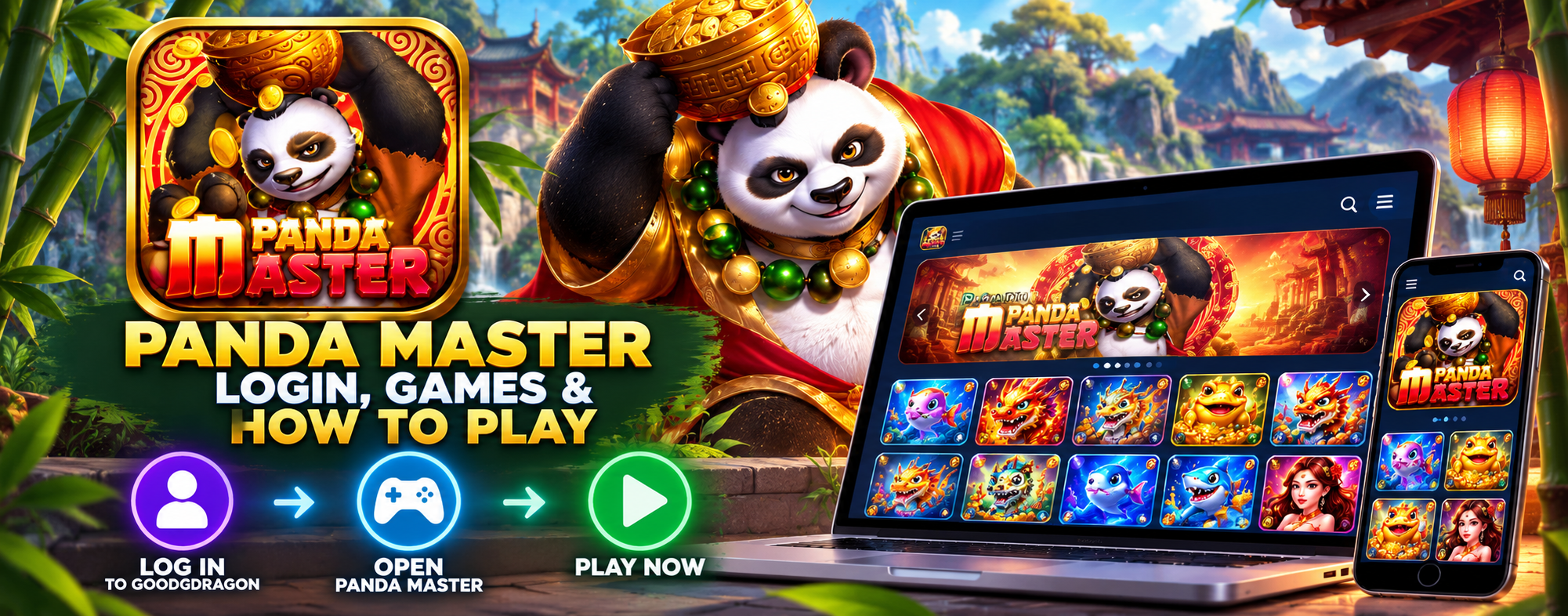
Panda Master is one of the wallet-integrated platforms in your GoodGDragon lobby, with fish-shooting titles and slot-style games.
Log in to GoodGDragon, open the Panda Master card, connect or register your game account, move Sweepstakes Coins across with Recharge, then select Play Now.
This guide covers the wallet-integrated Panda Master platform inside the GoodGDragon lobby. A separate Panda Master Link2Play destination may also be available, but it uses a different account and balance flow.
The Two-Account Model
Think of GoodGDragon as the front desk and Panda Master as one of the rooms. GoodGDragon handles your main account, SC wallet, and the value moving between your wallet and connected game platforms. Panda Master is the separate game platform.
That means there are two accounts.
Your GoodGDragon account gives you access to the lobby and holds your GoodGDragon wallet.
Your Panda Master game account is separate and has its own Game ID and password.
This distinction is important because the two accounts serve different purposes, and the Panda Master game account is connected or created from inside your GoodGDragon account.
Setting Up Your Panda Master Game Account
1. Register With GoodGDragon
Sign up for GoodGDragon with a phone number or email address, complete the verification steps shown during registration, and choose a password.
If you already have an account, log in to GoodGDragon.
2. Open the Panda Master Card
Use the lobby search box and type “panda” to narrow the platform list and find the Panda Master card.
3. Connect or Register the Game Account
The Panda Master card provides two setup options.
Connect Your Account links an existing Panda Master game account using your game username.
Register creates a new Panda Master game account through the setup flow.
When creating or connecting the game account, follow the username requirements shown on the setup screen. The current setup requires the username to begin with a letter and contain at least six characters.
4. Find Your Game ID
Once the account is set up, the card shows your Game ID and password details, together with the available credential controls.
Keep your Game ID and password private, and only use them through the access flow shown in your GoodGDragon account.
Opening Panda Master
Select Play Now on the Panda Master card to open the platform in a new browser tab.
If nothing happens, check whether your browser blocked the new tab or popup.
Starting from your signed-in GoodGDragon account keeps you on the access route associated with your connected Panda Master account rather than relying on unrelated search results.
Panda Master App Searches vs the GoodGDragon Route
Search results for “Panda Master app” or “Panda Master online” may include app or download pages that are unrelated to your GoodGDragon account.
For the GoodGDragon access route covered in this guide, Panda Master opens through Play Now in your browser. You do not need a third-party download page for this route.
Phone, Tablet or Computer
Panda Master opens through your GoodGDragon account in a browser.
Access and compatibility can vary depending on your device, browser and current Panda Master setup, so use Play Now from your signed-in GoodGDragon account.
If the game tab loads blank, refresh the page. If the issue continues, sign in to GoodGDragon again and reopen Panda Master from the platform card.
What Is Panda Master 777?
Search results for “Panda Master 777” may include similarly named sites, apps or services that are not necessarily connected to GoodGDragon.
On GoodGDragon, the wallet-integrated platform in your lobby is called Panda Master. Use the Panda Master card shown in your signed-in account.
What You Can Play on Panda Master
Panda Master carries fish games and slot-style titles.
The Panda Master game lobby is the best place to check what is currently available for your account because the game lineup can change, and a title shown on another website may not be available through your current access.
Fish Games
Fish games generally involve aiming at moving targets using an on-screen shooter or cannon.
Target values, mechanics and rules vary by title, so check the in-game instructions before playing.
Unlike a standard reel spin, fish games generally involve ongoing interaction with moving targets. No fish game guarantees a win.
Slots and Reel Games
Reel-style games generally involve selecting a bet, starting a spin and seeing the resulting symbols or combinations.
If you are looking for a particular title, check the current Panda Master lobby after signing in.
How the Coins Work
GoodGDragon uses Sweepstakes Coins (SC), and your wallet tracks three separate balances:
- Purchased SC — from deposits
- Bonus SC — from promotions
- Redeemable SC — the balance eligible for withdrawal
Purchased SC and Bonus SC make up the playable wallet balance. Redeemable SC is tracked separately.
Moving Coins Into Panda Master
The funding flow involves two separate steps:
Buy SC on the Deposit page → Recharge into Panda Master
Your GoodGDragon wallet and Panda Master game balance are separate.
Recharge moves the relevant balance from your GoodGDragon wallet into the separate Panda Master game balance at a 1:1 rate.
For example, recharging 20 SC moves 20 SC into the game balance.
If the displayed balance appears out of date, use Refresh Balance on the Panda Master card to check the current figure.
Check the current GoodGDragon Deposit pagefor available payment methods, pack values and processing information because these can change.
Redeeming and Withdrawing
Moving value back out happens in separate stages:
| StageWhat happens | |
| Redeem | Value moves from the Panda Master game balance back to your GoodGDragon wallet as SC |
| Withdraw | An eligible withdrawal request is made from Redeemable SC in your GoodGDragon wallet |
As of September 2026, withdrawals start at 30 SC.
Withdrawal limits depend on VIP tier, with the currently verified figures ranging from 350 SC at Iron to 600 SC at Diamond. Cash App, Chime and PayPal are listed payout options.
Withdrawals are subject to approval, so check the current GoodGDragon Withdraw page before submitting a request.
Only Redeemable SC can be withdrawn.
Other Panda Master services may use different account or redemption arrangements, so use the information shown in your GoodGDragon account for the wallet-integrated route covered here.
Account Features vs the Panda Master Card
Recharge, Redeem, Play Now and Refresh Balance are Panda Master card controls associated with that platform.
Your GoodGDragon wallet, Bonus features, Promotions, referral features and VIP benefits sit at the GoodGDragon account level.
They should not automatically be treated as Panda Master features or promotions.
If an offer applies to a particular platform or game, check the offer details and applicable conditions rather than assuming it applies to Panda Master.
Panda Master Login Not Working?
Check the Username Format
Follow the username requirements shown on the Panda Master setup screen.
The current setup requires the username to begin with a letter and contain at least six characters.
Check the Credentials on the Card
Check the password details shown on the Panda Master card and use the available credential controls rather than retyping from memory.
Check Which Credentials You're Using
Use the Panda Master credentials shown or connected through your GoodGDragon platform card.
Credentials from another service may not correspond to the Panda Master account linked to your GoodGDragon lobby card.
Check Your GoodGDragon Session
If your GoodGDragon session may have expired, sign in again and reopen Panda Master from the platform card.
Check How You Opened Panda Master
If you opened Panda Master from an old bookmark or search result, return to your signed-in GoodGDragon account and reopen it from the platform card.
Check Your Connection
If the game does not load, check your connection and refresh the page once your connection is stable.
Still Having Problems?
Contact GoodGDragon support through the support option available in your account or email support@goodgdragon.com.
Unrelated Pages Using the Panda Master Name
Search results for “Panda Master” may include similarly named pages, apps or services that are unrelated to your GoodGDragon account and may use their own login systems.
For the route covered in this guide, start from your signed-in GoodGDragon account and open Panda Master from the platform card.
Do not enter your GoodGDragon or Panda Master credentials on a page if you are unsure whether it belongs to your intended access route.
Frequently Asked Questions
What Is Panda Master?
Panda Master is a gaming platform with fish games and slot-style titles available as a wallet-integrated platform through the GoodGDragon lobby.
How Do I Log In to Panda Master?
Log in to GoodGDragon, open the Panda Master card in the lobby, and select Play Now.
Your Panda Master game account needs to be connected or registered first.
Do I Need a Separate Panda Master Account?
Yes.
Panda Master uses a separate game account from your main GoodGDragon account. You can connect an existing Panda Master account or register a new game account through the platform card.
Can I Play Panda Master Without Downloading an App?
For the GoodGDragon access route covered in this guide, Panda Master opens through Play Now in your browser.
You do not need a third-party download page for this route.
Does Panda Master Work on iPhone and Android?
Panda Master opens through your GoodGDragon account in a browser.
Access and compatibility can vary by device and browser, so open it using Play Now from your signed-in account.
Is “Panda Master 777” the Same as Panda Master?
Not necessarily.
Several sites, apps and services may use similar Panda Master naming and are not necessarily connected to GoodGDragon.
For GoodGDragon access, use the Panda Master card shown in your lobby.
How Does Panda Master Funding Work on GoodGDragon?
GoodGDragon uses Sweepstakes Coins for this funding flow.
Recharge moves the relevant balance from your GoodGDragon wallet into the separate Panda Master game balance at a 1:1 rate.
Can I Redeem Value From Panda Master?
Redeem moves value from the Panda Master game balance back to your GoodGDragon wallet as SC.
Withdraw is then used separately for an eligible withdrawal request. Only Redeemable SC can be withdrawn, and withdrawals are subject to the current account requirements and approval process.
What Should I Do if My Panda Master Login Isn't Working?
Check the username requirements and the credentials shown on the Panda Master card.
If your GoodGDragon session may have expired, sign in again and reopen Panda Master from the platform card.
If the problem continues, contact GoodGDragon support.
Play Responsibly
Access and participation may depend on age, location, account status and the terms that apply.
Check the current eligibility requirements shown by GoodGDragon before participating. Set personal limits, take breaks, and never play with money you cannot afford to lose.
If you need help with your GoodGDragon account, contact GoodGDragon support or email support@goodgdragon.com.
For responsible-gaming support and resources, visit NCPG.