Home · About · Blog · Help · Contact
Access Panda Master through your GoodGDragon account using the wallet-integrated platform listed in your gaming lobby. This page explains how to access the platform, check your game balance, and use the available wallet controls.
This guide covers the Panda Master platform in the GoodGDragon lobby, not the separate Panda Master destination under Link2Play. The two access routes may use different account and balance processes, so follow the instructions shown for your selected platform.
Panda Master appears in your GoodGDragon lobby as a wallet-integrated gaming platform. Open the Panda Master card to view your game balance and the controls available to your account.
Select Recharge to transfer eligible Sweeps Coins (SC) from your GoodGDragon wallet into Panda Master at a 1:1 rate. To return eligible game balance to your wallet, use Redeem on the platform card.
Redeem and Withdraw are separate steps. Redeem moves eligible value from Panda Master back to your GoodGDragon wallet, while Withdraw is the later process for requesting an eligible payout from your wallet's Redeemable SC balance. This guide covers the wallet-integrated lobby platform, not the separate Panda Master Link2Play destination.
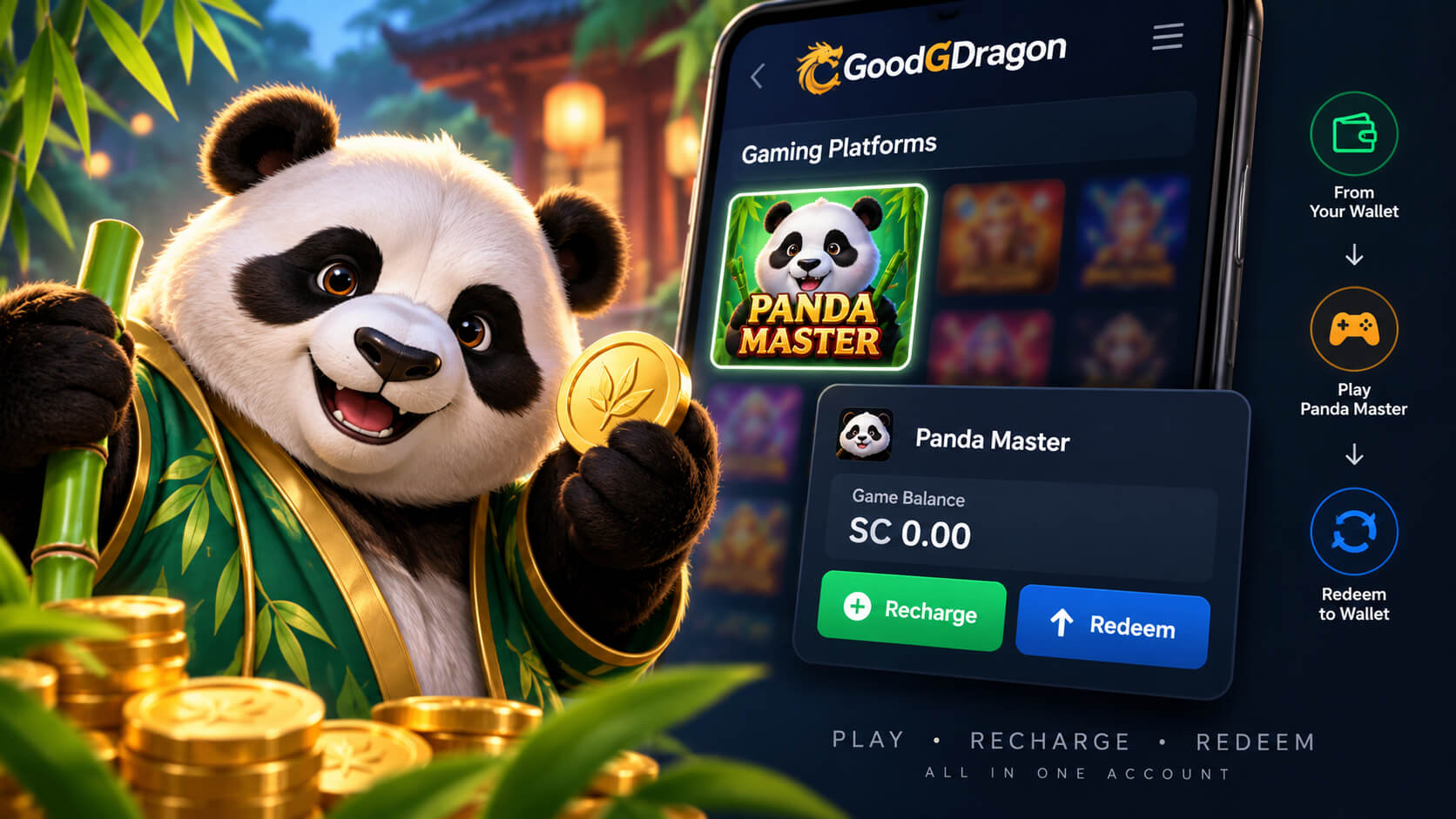
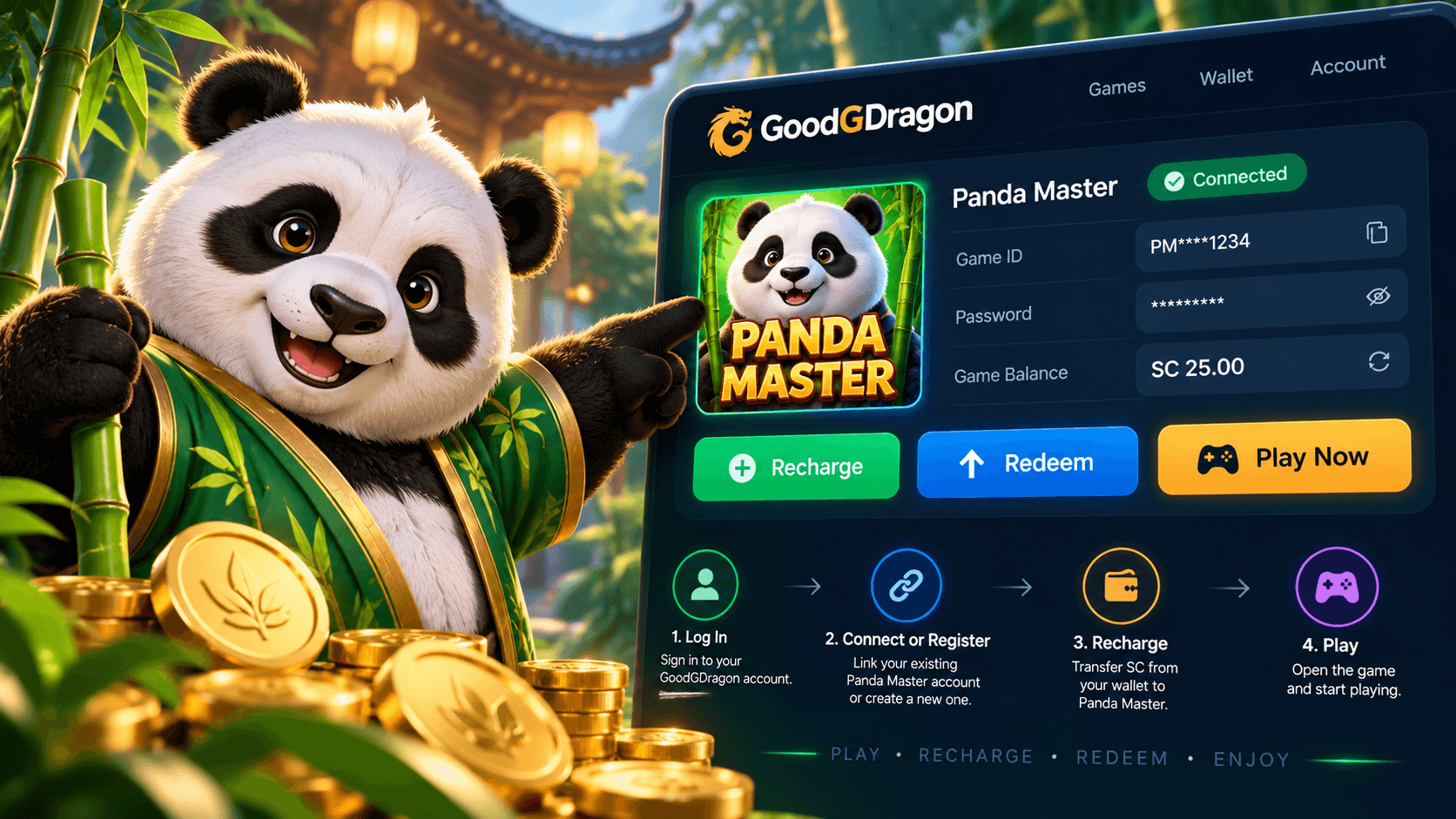
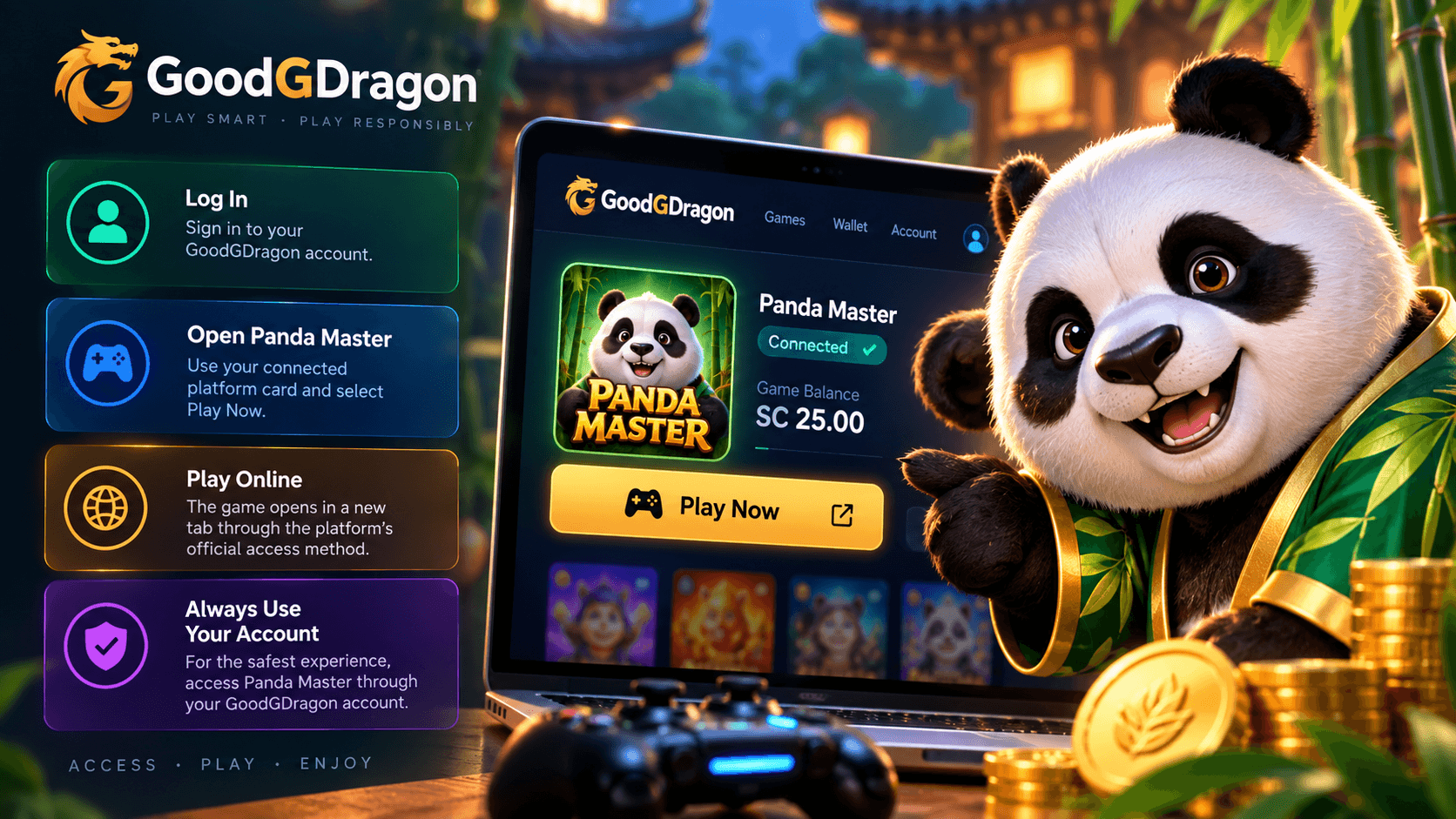
To access Panda Master, sign in to GoodGDragon and open the Panda Master card in your gaming lobby. If you already have a supported Panda Master game account, select Connect Your Account and follow the on-screen instructions. Otherwise, choose Register to create a new game account.
After setup, select Play Now on the platform card to open Panda Master in a new tab. Use the account controls shown on the card and keep your login credentials private. This guide covers the wallet-integrated Panda Master option, not the separate destination listed under Link2Play.
Panda Master uses the same wallet-integrated flow as the other connected GoodGDragon lobby platforms. Your GoodGDragon wallet balance and your Panda Master game balance are separate, so moving funds between them requires the appropriate platform action.
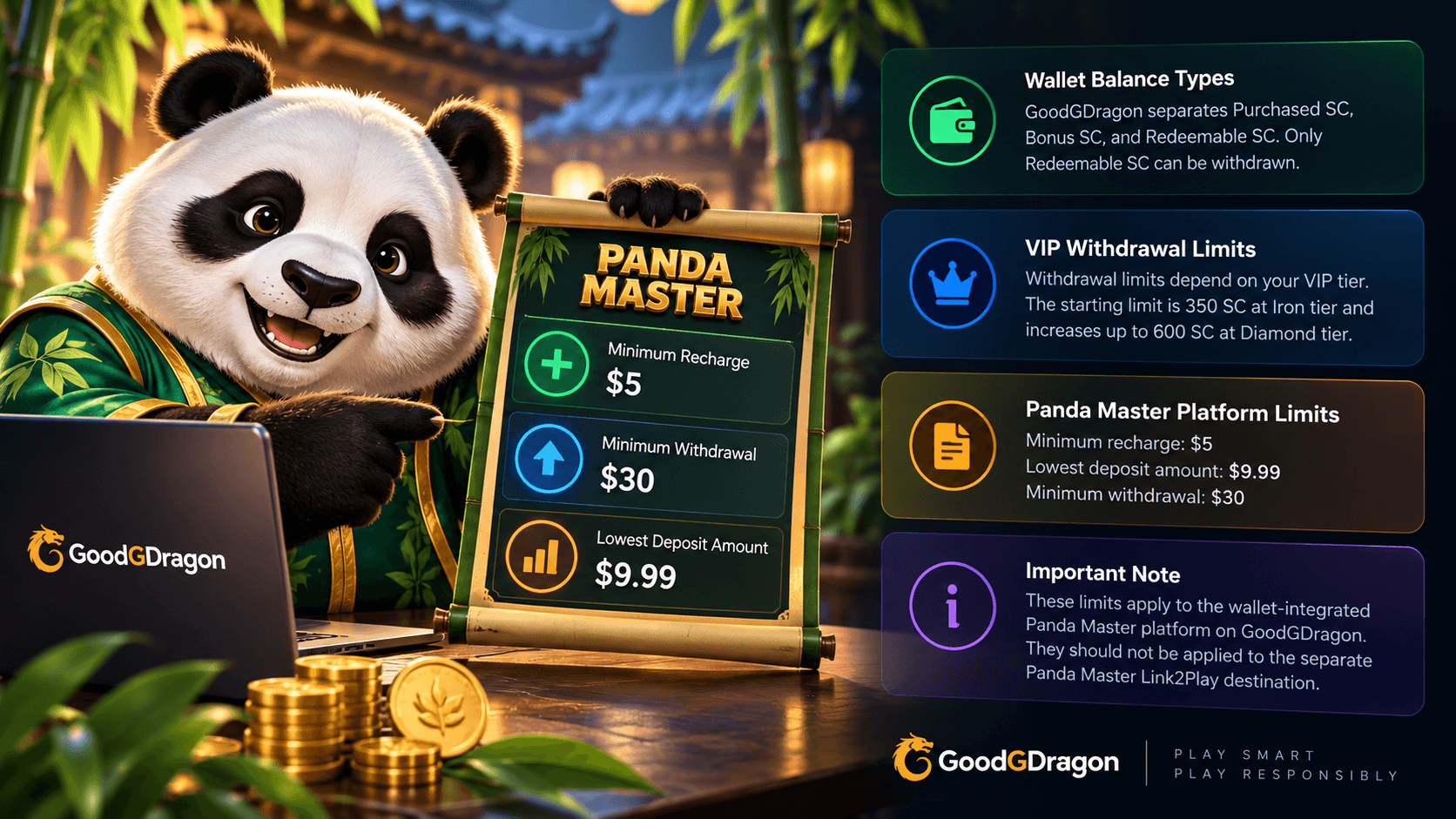
Use Recharge to move eligible Sweepstakes Coins from your GoodGDragon wallet into Panda Master. The Panda Master platform currently has a $5 minimum recharge.
Use Redeem when you want to move eligible value from Panda Master back into your GoodGDragon wallet. Panda Master currently has a $30 minimum redemption, while account and VIP-level limits can affect the maximum available amount.
Redeeming from Panda Master back to the wallet is not the same as withdrawing from GoodGDragon. Withdrawal is a separate step handled after eligible funds are back in the GoodGDragon wallet. Panda Master is also available separately through Link2Play, but this page covers the wallet-integrated lobby platform.
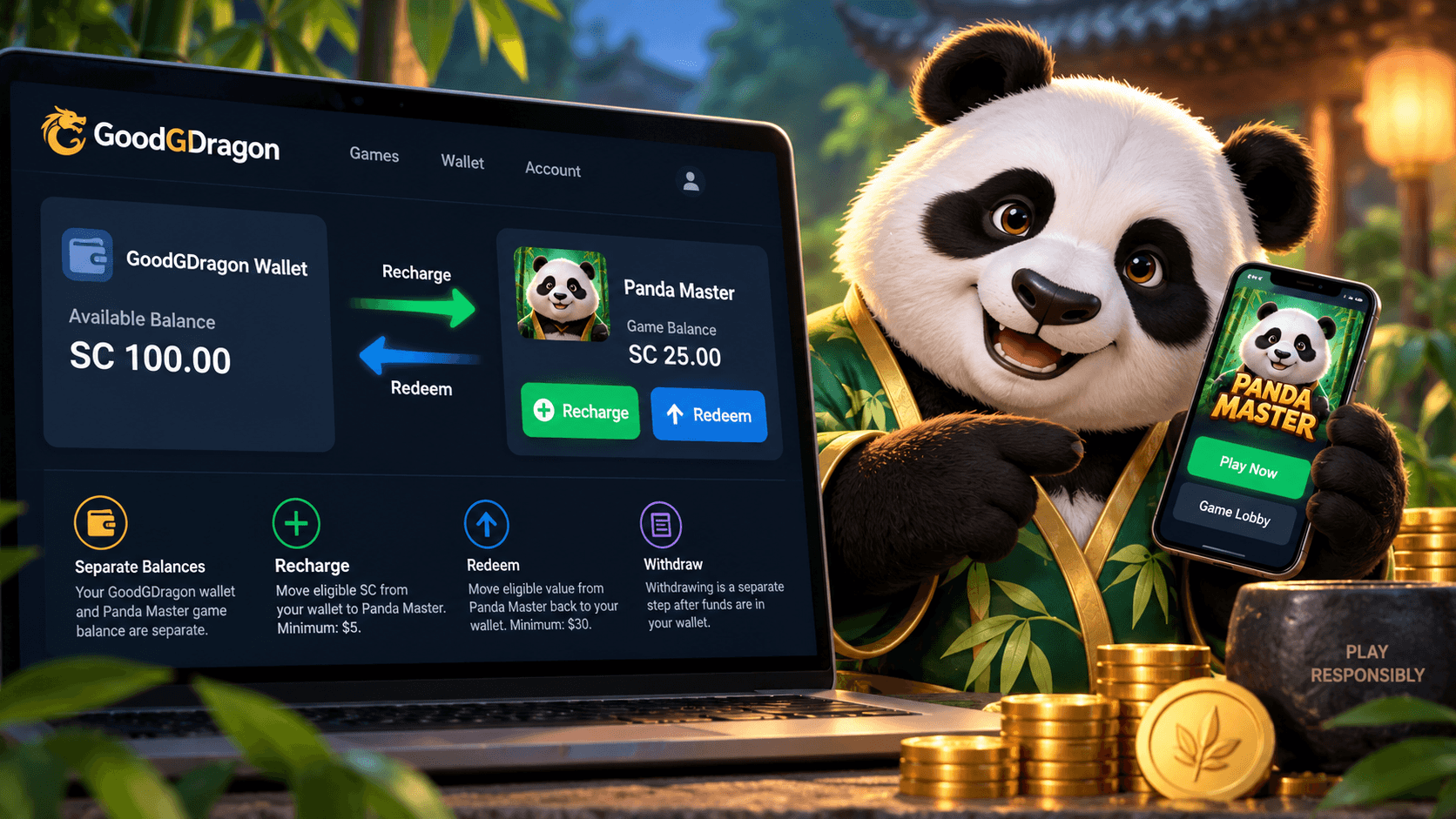
For the wallet-integrated Panda Master platform on GoodGDragon, the minimum game recharge is $5. This is different from the lowest selectable purchase on the GoodGDragon Deposit page, which is currently $9.99. These amounts apply to different steps in the process.
GoodGDragon tracks Purchased SC, Bonus SC, and Redeemable SC separately. Purchased SC and Bonus SC make up the playable balance, while only Redeemable SC is eligible for withdrawal.
The current minimum withdrawal for this Panda Master route is $30. Withdrawal limits may also depend on your VIP tier, account status, and the applicable terms. Check the current limits in your account before submitting a request.
These details apply to the wallet-integrated Panda Master platform in the GoodGDragon lobby, not the separate Panda Master destination under Link2Play.
Once Panda Master is connected to your GoodGDragon account, use the platform card to open the game and continue through the access method shown there.
GoodGDragon provides access to Panda Master as a third-party gaming platform. It does not develop or own Panda Master, so game availability, individual titles, and platform features can change independently of GoodGDragon.
Because the current GoodGDragon fact pack does not provide a verified Panda Master game catalogue, this page should not claim a specific number of games or list individual titles as confirmed. The safest approach is to open Panda Master from your account and check the current lobby directly.
If Panda Master is not opening as expected, return to your GoodGDragon platform card and use the current access route shown in your account rather than relying on an old bookmark or an unrelated Panda Master-branded website.
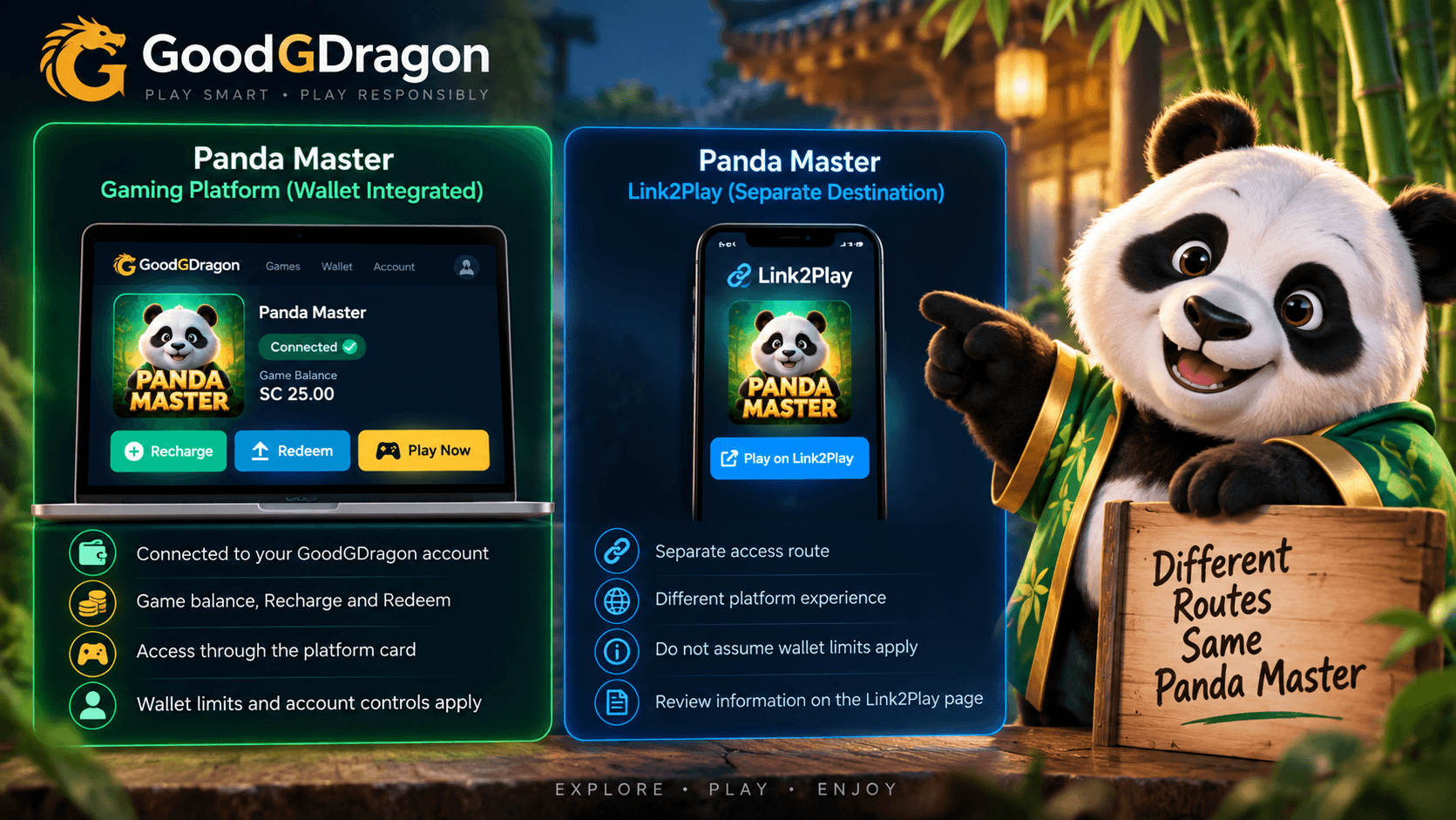
GoodGDragon lists Panda Master in two separate places: as a wallet-integrated platform in the main gaming lobby and as a separate destination under Link2Play. These are different access routes and should not be treated as the same option.
This page covers the wallet-integrated Panda Master platform. Its platform card may provide account connection, game balance, Recharge, Redeem, and related controls. The separate Link2Play destination may use a different access process and account or balance rules.
Before continuing, select the option you intend to use and follow the instructions displayed for that route. Do not assume that login credentials, balances, or wallet features carry over between the two options.
Is Panda Master available on GoodGDragon?
Yes. Panda Master is listed as a wallet-integrated Gaming Platform on GoodGDragon and also appears separately through Link2Play. This page covers the wallet-integrated platform route.
How do I access Panda Master?
Log in to GoodGDragon, open the Panda Master platform card, and use the access options shown for your account.
Are my GoodGDragon wallet and Panda Master balance the same?
No. Your GoodGDragon wallet balance and Panda Master game balance are separate. Use Recharge and Redeem to move eligible value between them.
Is Panda Master Link2Play the same as the lobby platform?
No. Link2Play is a separate Panda Master access route. Do not assume the wallet-integrated platform’s limits or controls apply to Link2Play.
Where should I check the latest Panda Master information?
Use the Panda Master route shown inside your current GoodGDragon account, since platform availability and account options can change.