
Guides
Golden Dragon Cash Out How Redemption and Withdrawal Works
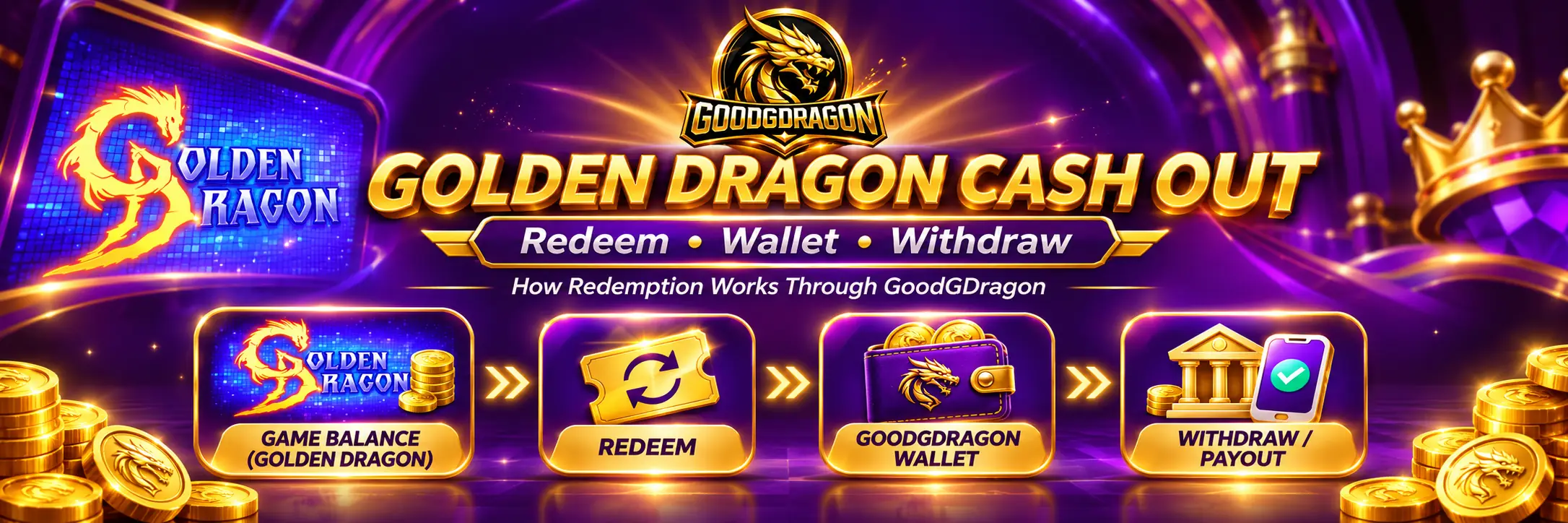
Cashing out from Golden Dragon through GoodGDragon is two steps, not one. Redeem moves eligible balance from the game back into your GoodGDragon wallet. Withdraw is a separate request that sends eligible wallet balance out to your payout method. A balance sitting in the game isn’t withdrawable until it has made that first move.
This guide covers both steps, what to check between them, and why the payout rules you’ll find on other Golden Dragon sites don’t describe your account.
What “Cash Out” Actually Means Here
People use cash out, redeem and withdraw interchangeably. In GoodGDragon’s flow they’re three different things, and mixing them up is what makes a payout seem stuck when nothing has gone wrong.
- Recharge — wallet into the game.
- Redeem — game back into the wallet.
- Withdraw — wallet out to you.
Redeem and Withdraw are both part of “cashing out,” but they happen in different places and at different times. Completing one doesn’t start the other.
| Action | Direction |
| Recharge | GoodGDragon wallet → Golden Dragon |
| Redeem | Golden Dragon → GoodGDragon wallet |
| Withdraw | Eligible wallet balance → payout request |
Golden Dragon Game Balance vs GoodGDragon Wallet Balance
Golden Dragon shows its own balance inside the platform. GoodGDragon keeps a separate wallet. They’re not the same number and they don’t update together.
Your wallet also splits into three balances, and only one of them can be withdrawn. Purchased SC comes from deposits and Bonus SC from promotions — both are playable. Redeemable SC is the balance the Withdraw page draws from, and it’s the figure to read before planning anything.
Which means a healthy-looking wallet total doesn’t tell you what you can withdraw. The Sweepstakes Coins guide explains how the three work and where each comes from.
How to Redeem From Golden Dragon
- Sign in to GoodGDragon and open your lobby.
- Find the Golden Dragon card and open it.
- Check the balance shown for that platform.
- Select Redeem.
- Follow the amount and confirmation prompts shown.
- Check your GoodGDragon wallet once the request completes.
One thing to avoid: don’t submit a second Redeem while the first request is unresolved. Check the status first, and contact support if it remains unclear.
If the card doesn’t show a Redeem control, or the request doesn’t go through, that’s a support question rather than something to work around — the Help page is the route.
After the Balance Returns to Your Wallet
Redeeming doesn’t pay you. It moves value into your GoodGDragon wallet, where it becomes eligible for a withdrawal request if the balance and your account meet the current rules.
The withdrawal is a separate action you submit yourself. If you’ve redeemed and nothing has arrived in your payment app, check whether you ever completed that second step — it’s a common reason a cash-out can appear to stall.
How to Withdraw From Your GoodGDragon Wallet
- Open the Withdraw page.
- Read your Redeemable SC balance — that’s what the request is measured against.
- Choose a payout method.
- Enter the amount, within the limits shown for your account.
- Complete any verification the platform asks for.
- Check the destination details, then submit.
- Track the request in your withdrawal history.
What’s the Minimum Golden Dragon Withdrawal?
There isn’t one specific to Golden Dragon — and that’s the useful finding.
The minimum, the maximum per request and the daily allowance are GoodGDragon account-level withdrawal settings rather than Golden Dragon-specific limits. They apply to your withdrawal regardless of which platform the balance came back from.
So a “Golden Dragon minimum withdrawal” quoted on another site isn’t describing a rule that exists here. Your figures are on the Withdraw page, which shows the current amount available to request. The Juwa 777 cash-out guide covers the limit structure and how VIP tiers affect it in more detail — the same structure applies whichever platform you redeemed from.
Worth knowing: the Withdraw page may show a daily allowance and how much is currently available to request.
How Long Does a Golden Dragon Cash Out Take?
Timing starts at approval, not submission. The Withdraw page carries the platform’s current statement on expected arrival, and that’s the figure to read when you submit — processing can vary by payout method and review status.
Be skeptical of third-party pages promising instant payment or a fixed number of hours. Those describe other operators’ arrangements, and several of them contradict each other.
Which Payment Methods Can You Use?
Whatever your Withdraw page actually offers at the time. The selectable options and the destinations mentioned in the page’s notice text aren’t always identical, so go by the dropdown rather than the surrounding copy.
Don’t assume a method is available because another Golden Dragon site lists it. Those pages describe different providers with different payment arrangements. Enter the destination details carefully before submitting — a request sent to a wrong handle becomes a support ticket, not a quick fix.
Why Is My Golden Dragon Redemption Pending?
Pending doesn’t mean failed. It can mean the request is still processing, the balance hasn’t refreshed, the account is under review, or there’s a question about the connected platform.
Check the request status first, confirm you opened the right Golden Dragon account, then reopen your wallet and see whether the balance has moved. Give it time before escalating, and don’t submit a second redemption while the first is unresolved.
Why Isn’t My Balance Updating?
Work through these in order:
- Confirm the account. Make sure you opened the Golden Dragon card tied to your GoodGDragon account.
- Check whether Redeem was actually submitted, and whether it completed.
- Refresh the displayed balance if the card offers a refresh control.
- Reopen the wallet and check which of the three balances the value landed in.
- Don’t duplicate the request.
- Contact support with the amount, the approximate time you submitted, and what the screen shows.
Never send your password or Game ID in an unsolicited message, including to anyone offering to help.
Why Is My Withdrawal Under Review?
Withdrawals can be subject to account checks and identity verification, and GoodGDragon’s own pages state that eligibility, verification and balance rules all apply. A request may sit in review while those are confirmed.
Follow the instructions shown in your account, and provide information only through that flow. Requirements can differ between accounts, so don’t assume you’ll be asked for the same documents as someone else. If a request hasn’t progressed, ask support whether anything is needed from you.
Can Bonus Credits Be Withdrawn?
Not directly. Bonus SC is playable credit, and the Withdraw page draws from Redeemable SC only.
Whether value from a promotion can become redeemable depends on the terms attached to that specific offer. GoodGDragon’s Terms state that individual promotions may carry their own conditions, so read the offer’s own rules rather than assuming every promotional credit behaves the same way.
Why Do Other Golden Dragon Sites Publish Different Rules?
Because they’re describing different operations. Other sites using the Golden Dragon name run their own account providers, their own payment systems and their own agent arrangements, and their published rules may describe different operators, account systems or periods.
So a $20 minimum, a 24-hour payout promise or a particular payment app named on another Golden Dragon page tells you nothing about your account. If your access runs through GoodGDragon, its wallet and support flow are the ones that apply.
One firm line: don’t arrange a cash out through a social media account or private message, or anyone offering to process a payout outside your account. For the GoodGDragon route covered here, payout requests should be submitted through the Withdraw page.
Golden Dragon Cash Out Not Working? Quick Checklist
- The correct Golden Dragon account is open.
- Redeem was submitted, and completed.
- The wallet has been reopened and checked.
- The Redeemable SC figure — not the wallet total — meets the current minimum.
- Any daily allowance shown hasn’t already been used.
- Any requested verification is complete.
- The payout method and destination details are correct.
- No duplicate request is already pending.
The whole sequence, in one line:
Golden Dragon game balance → Redeem → GoodGDragon wallet → Withdraw → payout request
Each stage is separate, and each one needs to finish before the next can start.
Golden Dragon Cash Out FAQs
How Do I Cash Out From Golden Dragon?
Redeem eligible balance from the game back to your GoodGDragon wallet, then submit a separate withdrawal request if your Redeemable SC and account meet the current rules.
What’s the Difference Between Redeem and Withdraw?
Redeem moves value from the game to your wallet. Withdraw sends eligible wallet balance out to your payout method.
What’s the Minimum Golden Dragon Withdrawal?
There’s no Golden Dragon-specific minimum. The minimum is a GoodGDragon account-level setting and is shown on the Withdraw page.
How Long Does a Payout Take?
Timing runs from approval, and the Withdraw page shows the current expectation. Treat fixed timings published elsewhere as describing other operators.
Why Is My Redemption Pending?
It may still be processing, the balance may not have refreshed, or a review may be outstanding. Check the status before resubmitting.
Which Payment Methods Can I Use?
Those currently selectable in your Withdraw flow. Lists published on other Golden Dragon sites aren’t evidence of what’s available to you.
Do I Need ID to Withdraw?
Verification may be required under current account rules. Follow what your account asks for.
Can Bonus Credits Be Withdrawn?
Not directly — withdrawals come from Redeemable SC. Check the terms attached to the specific promotion.
Sign in to GoodGDragon, open the Golden Dragon card and redeem eligible balance back to your wallet. Once it’s there, check your Redeemable SC figure against the current limits and submit a withdrawal request through the Withdraw page.
GoodGDragon requires players to be at least 18, or the age of majority in their state if higher, subject to the requirements and restrictions that apply to your location. Play is void where prohibited. Sweeps Coins have no cash value until redeemed. Eligibility, verification and balance rules apply — review the current Terms and Conditions and see Responsible Gaming for account controls and support.