Guides
CashMachine777 Online: How to Play and Fund It
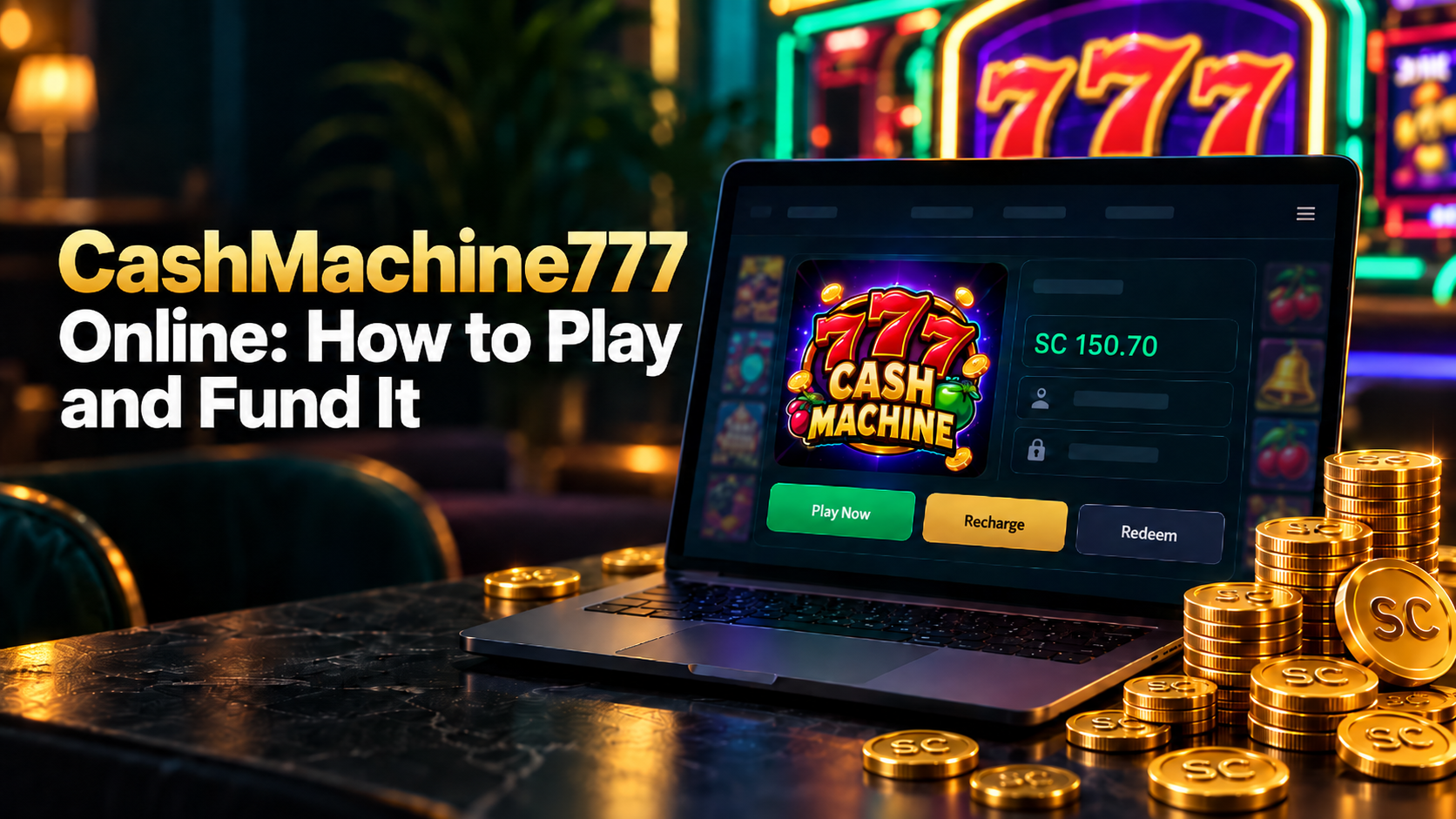
CashMachine777 is one of the platforms in your GoodGDragon lobby. Log in, find its card, and open it from there.
If you're new, register first. Your GoodGDragon account gets you into the lobby; each platform then has its own game account, which you either connect or create.
This guide covers setting up your game account, where your Game ID comes from, how to fund it, and why the search results for this name are so confusing.
Opening CashMachine777
Everything happens on your lobby page. Each platform sits on its own card showing the balance, a Game ID, a password, and three buttons: Recharge, Play Now, Redeem.
Find the CashMachine777 card — the search box at the top of the platform list is quicker than scrolling — and click Play Now. The game opens in a new tab.
The card also carries Recharge and Redeem, which are how coins move in and out of the game.
Your game account and Game ID
Each platform in the lobby runs on its own game account, and there are two ways to get one.
Connect Your Account if you already have a CashMachine777 account, you link the existing one using your game username. Register if you don't, and a new platform account is created for you.
Once it's set up, the card shows your Game ID and password with copy buttons beside them. Click to reveal the password, and copy either one if a game asks for it directly. A Refresh Balance button sits on the card too, worth using before assuming a balance is wrong.
Funding CashMachine777
GoodGDragon runs on Sweepstakes Coins, and getting them into a game takes two steps.
Buy SC on the Deposit page → Recharge into CashMachine777
Your payment buys SC, which lands in your wallet. Recharge is what moves it into the game, and the same amount arrives on the other side. Skipping that second step is why a payment can look like it vanished — the coins are in the wallet, not the game.
Coming back out works the same way in reverse. Redeem moves coins from the game back to your wallet as SC. Withdraw is the separate step that cashes out — and only Redeemable SC can be withdrawn, which is why your wallet tracks the balance types separately.
Buying SC
Open the Deposit page and choose your payment method first — the page then shows the packs that method can process.
Coins are available through the Deposit page, where the packs and amounts on offer may change. Some packs include more SC than the dollar amount paid, and promotional or flash-sale packs may appear from time to time. There's also a custom amount row and a discount code field.
| Payment methodProcessing time | |
| Credit/Debit Card | Instant |
| Cash App | Instant |
| Chime Auto | Instant |
| Chime Manual | 2–5 minutes |
| Apple Pay | Instant |
| Google Pay | Instant |
Those times cover money reaching your wallet. The recharge into CashMachine777 is still yours to do.
Free SC Without Buying
Some coins arrive without a purchase. The Bonus area includes Daily Spin and Daily Bonus, and the referral programme has two separate parts: a referred friend receives 2 SC as a signup benefit, and the referrer earns 10% of that friend's first three qualifying deposits. Conditions apply to each.
Promotions lists whatever campaigns are live. An offer applies to the games it names, so check whether CashMachine777 is included rather than assuming a site-wide bonus reaches it.
Why Search Results for This Name Are Confusing
Search "cashmachine 777", "Cash Machine 777" or "cash machine casino" and you'll find a number of unrelated products using similar names. Similar naming is common in this category, and a matching name doesn't mean a shared operator.
What matters for you is simpler: access CashMachine777 through your GoodGDragon lobby, and fund it through the Deposit page in your own signed-in account.
If Something Isn't Working
You can't find the CashMachine777 card
Use the lobby search box to find CashMachine777 rather than scrolling the platform list.
The game won't open
Play Now opens a new tab, so check whether your browser blocked a popup. If it still won't load, refresh the lobby and try again from your signed-in account.
You paid but the game balance is empty
Check your wallet first. If the SC is still in your wallet, the recharge may not have completed yet, or the coins may have been recharged elsewhere. If the wallet is empty too and the payment shows as completed, that points to an issue earlier in the deposit flow rather than at the game recharge step.
Either way, don't pay a second time. Contact support through the in-app live chat or at support@goodgdragon.com, say which stage it stopped at, and have your transaction reference ready.
The balance looks stale
Each platform card has a Refresh Balance button. Use it before assuming something went wrong.
Frequently Asked Questions
Is CashMachine777 available on GoodGDragon?
Yes. It's one of the platforms in your lobby, with its own card showing your balance, Game ID, and Recharge, Play Now and Redeem buttons.
Do I need a separate CashMachine777 account?
Yes. Your GoodGDragon account gets you into the lobby, and each platform has its own game account. Use Connect Your Account if you already have one, or Register to create one. Your Game ID and password then appear on the card.
How do I add funds to CashMachine777?
Buy a Sweepstakes Coins pack on the Deposit page, then recharge the SC into CashMachine777. The purchase and the recharge are separate steps.
What payment methods can I use?
Credit/Debit Card, Cash App, Chime Auto, Chime Manual, Apple Pay and Google Pay. All instant except Chime Manual, which takes 2 to 5 minutes.
How much do coin packs cost?
The packs and amounts on offer may change. Some include more SC than the dollar amount paid. Check the current Deposit page before purchasing rather than relying on older prices.
Can I get SC without paying?
The Bonus area includes Daily Spin and Daily Bonus, and a referred friend receives 2 SC as a signup benefit. Conditions apply.
Why do I see other products with this name in search?
Similar naming is common in this category and several unrelated products use it. Access CashMachine777 through your GoodGDragon lobby.
Who do I contact if my balance is wrong?
GoodGDragon support, through the in-app live chat or support@goodgdragon.com. Keep your transaction reference to hand.
Play Responsibly
Access and participation may depend on age, location, account status, and the terms that apply to the platform or promotion you are using. You must be 18+ to participate. Set personal limits, take breaks, and never play with money you cannot afford to lose. If you need help, contact support@goodgdragon.com or visit ncpgambling.org.