Home · About · Blog · Help · Contact
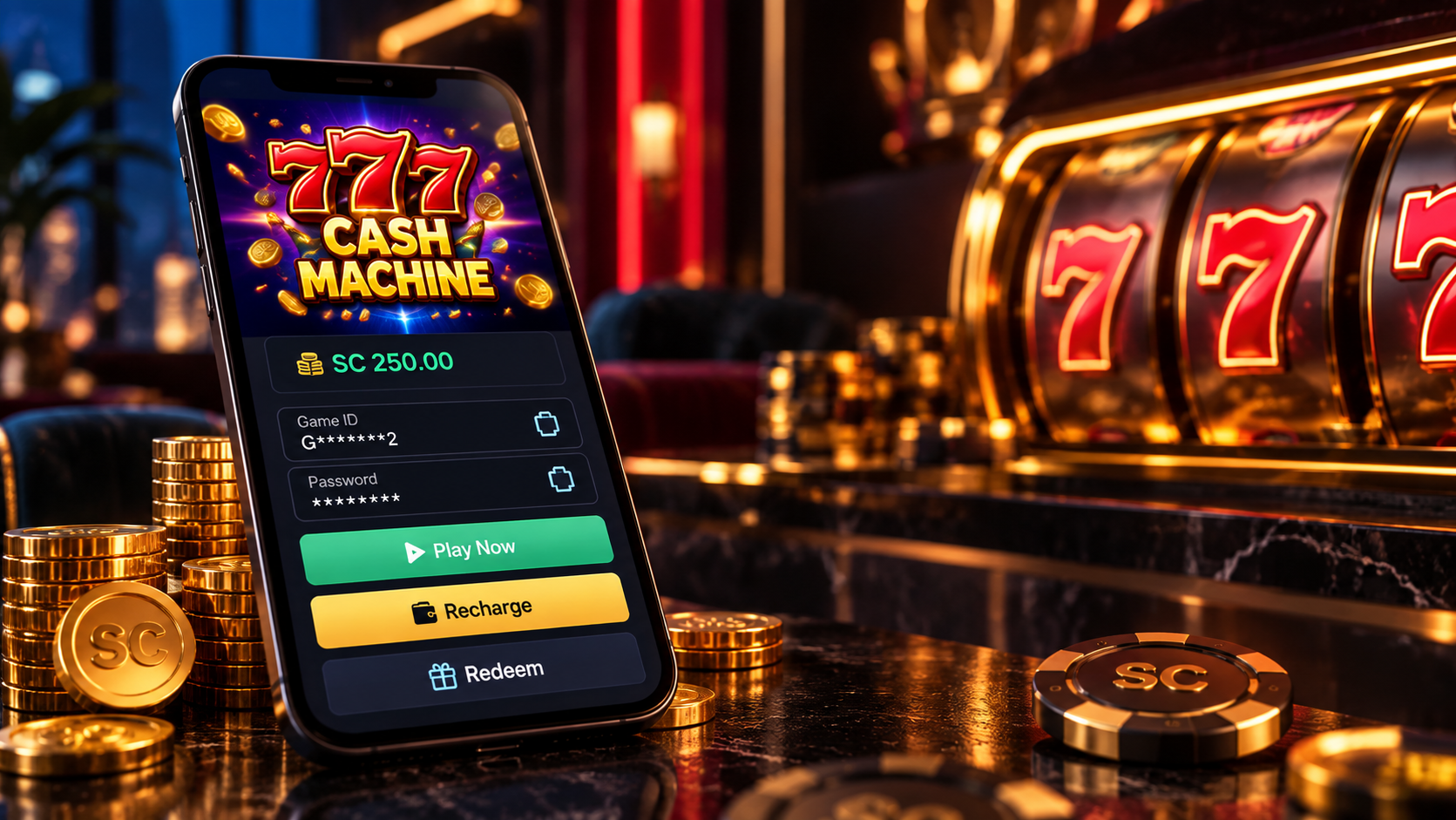
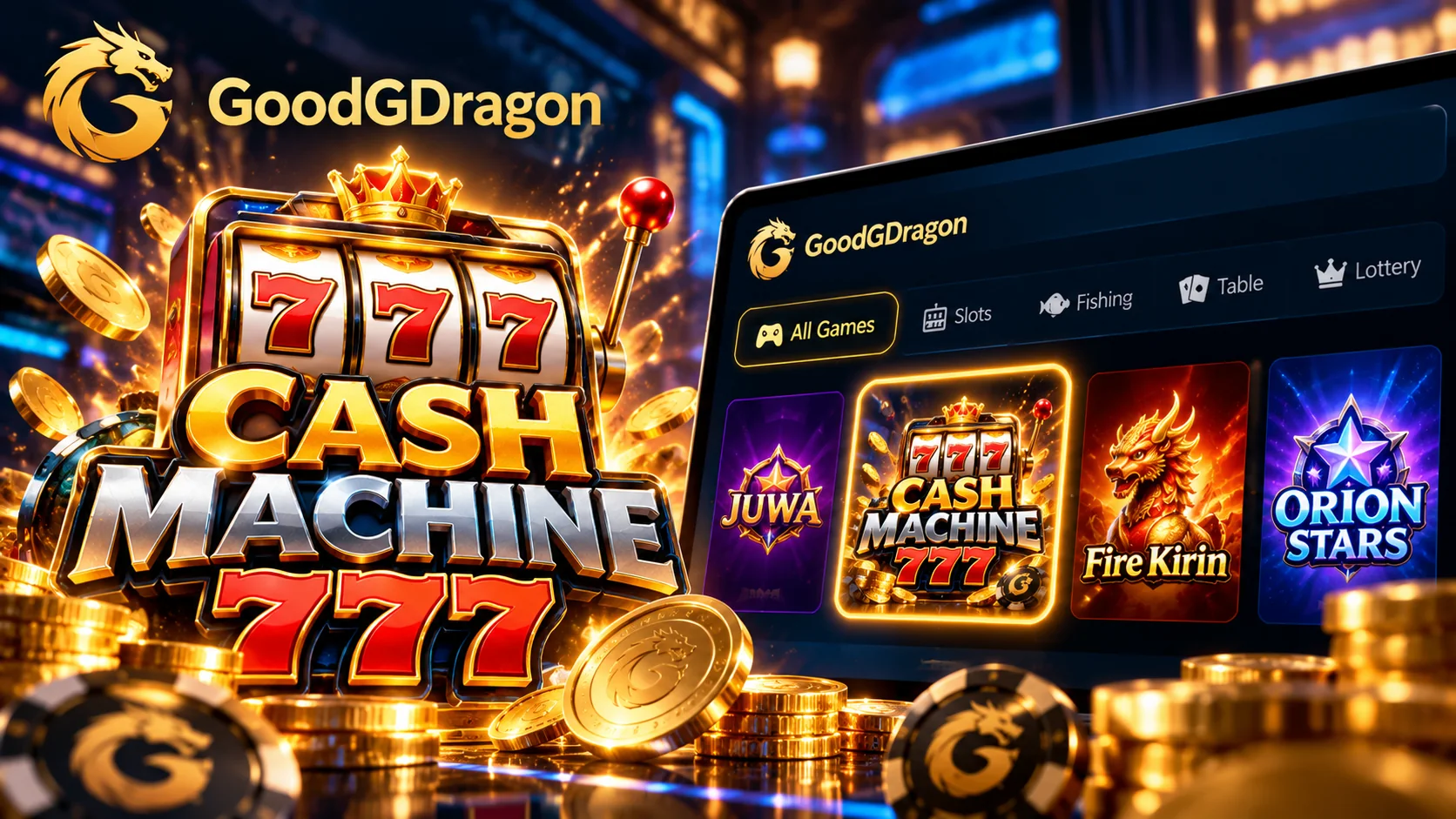
Access CashMachine777 from your GoodGDragon lobby, connect an existing game account or create a new one, then use Recharge, Play Now and Redeem from the platform card.
Your Game ID and password appear on the CashMachine777 card after the game account is connected or created. Use Refresh Balance if the displayed balance looks out of date.
CashMachine777 uses its own game account inside the GoodGDragon platform. If you already have a CashMachine777 account, use Connect Your Account to link it. If not, choose Register to create a new game account.
After the account is connected or created, your Game ID and password appear on the platform card. From there, you can use Recharge to move Sweepstakes Coins into the game, Play Now to open CashMachine777, and Redeem to move eligible SC back to your GoodGDragon wallet.
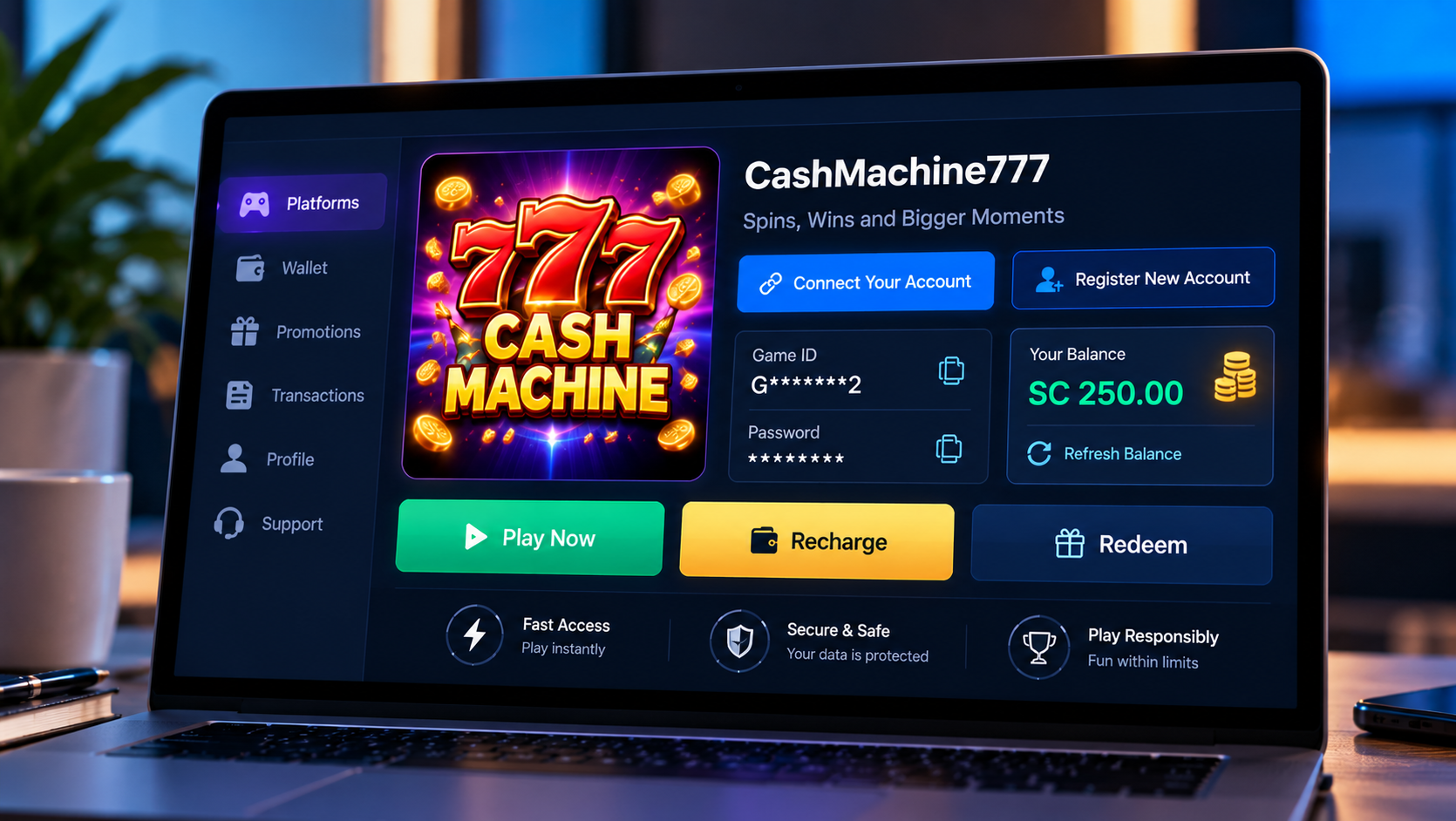
To add funds for CashMachine777, first purchase Sweepstakes Coins through the GoodGDragon Deposit page. The SC is added to your GoodGDragon wallet, not directly to the game.
From the CashMachine777 platform card, use Recharge to move SC from your wallet into the game. When you want to move eligible coins back, use Redeem. Redeemable SC returns to your GoodGDragon wallet, where eligible balances can then be withdrawn subject to the applicable account and withdrawal conditions.
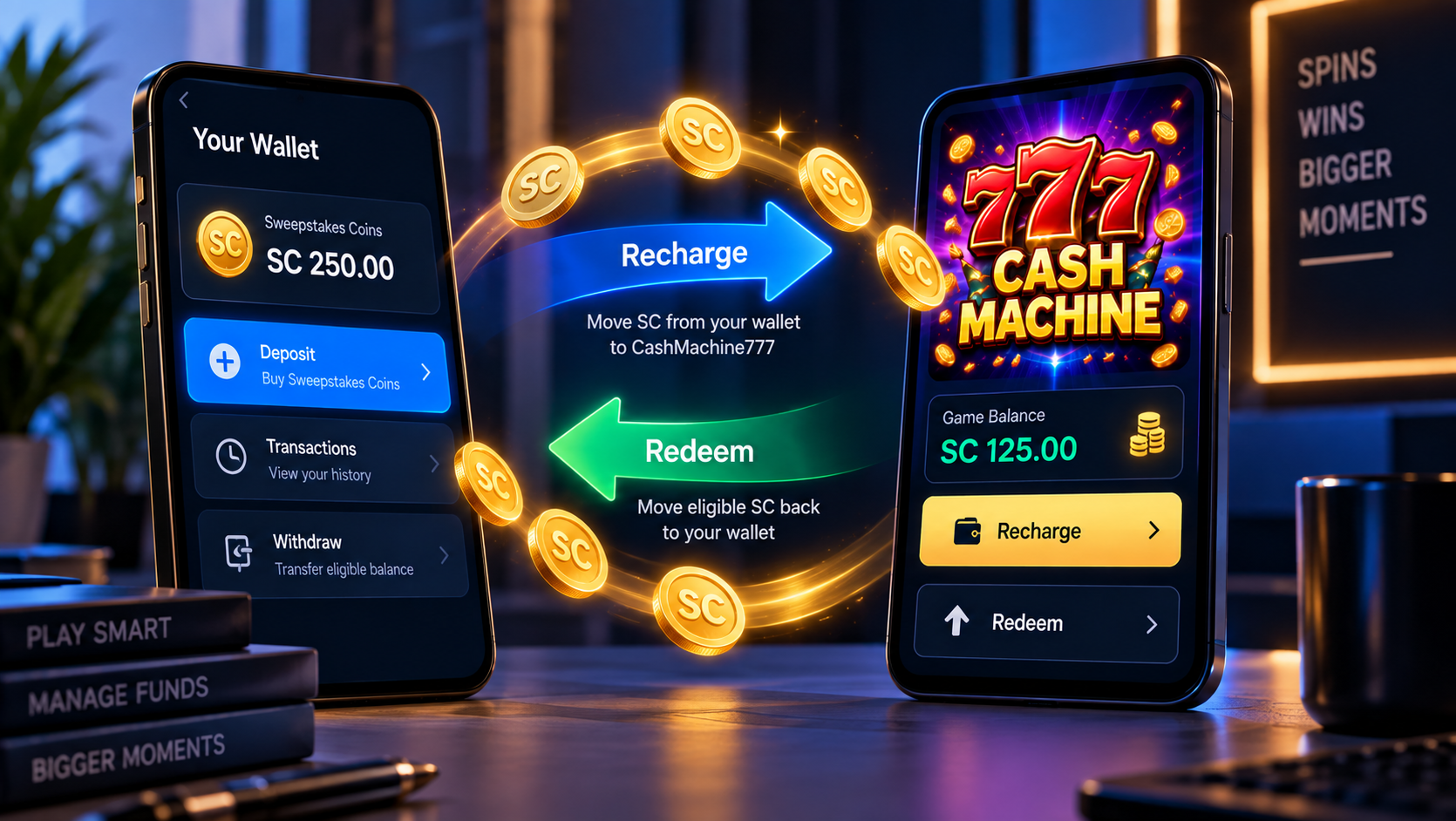
CashMachine777 users can use the platform card in their GoodGDragon lobby to access the available game-account controls and check their displayed balance. If the balance appears outdated, select Refresh Balance if available, then check again.
If you continue to experience account or access issues, contact GoodGDragon support through the in-app live chat or at support@goodggooddragon.com. For deposit or Recharge problems, include the relevant transaction reference and status to help support investigate the issue. Never share your password or sensitive payment information.
Is CashMachine777 available on GoodGDragon?
Yes. CashMachine777 is available through the GoodGDragon platform lobby.
Do I need a separate CashMachine777 account?
Yes. Your GoodGDragon account gives you access to the lobby, while CashMachine777 uses its own game account. You can connect an existing account or register a new one.
How do I add SC to CashMachine777?
Purchase Sweepstakes Coins through GoodGDragon, then use Recharge on the CashMachine777 platform card to move SC from your wallet into the game.
How do I move SC back to my GoodGDragon wallet?
Use Redeem on the CashMachine777 platform card. Eligible SC is moved from the game back to your GoodGDragon wallet.
What should I do if my balance looks wrong?
Use Refresh Balance first. If the issue remains, contact GoodGDragon support through live chat or email.
Access to CashMachine777 through GoodGDragon may depend on your age, location, account status, and the terms that apply to your account or promotion.
You must meet the applicable age requirements to participate. Set personal limits, take regular breaks, and never spend more than you can afford to lose. If you need help with your account or access, contact GoodGDragon support.