Home · About · Blog · Help · Contact
River Monster is available on GoodGDragon through Link2Play. Sign in, open the Link2Play section, and launch River Monster from its platform card to reach the official access route.
This page covers River Monster only. It is separate from River Sweeps in Link2Play and from Ocean Monsters in the Firekirin Exclusive catalogue.
Sign in to your GoodGDragon account and open Link2Play from the lobby. Find the River Monster card and use the available Web or Android access button shown for your device.
Follow the on-screen instructions to open the platform. Keep your GoodGDragon login and any River Monster credentials private, and use only the access links shown inside your account.
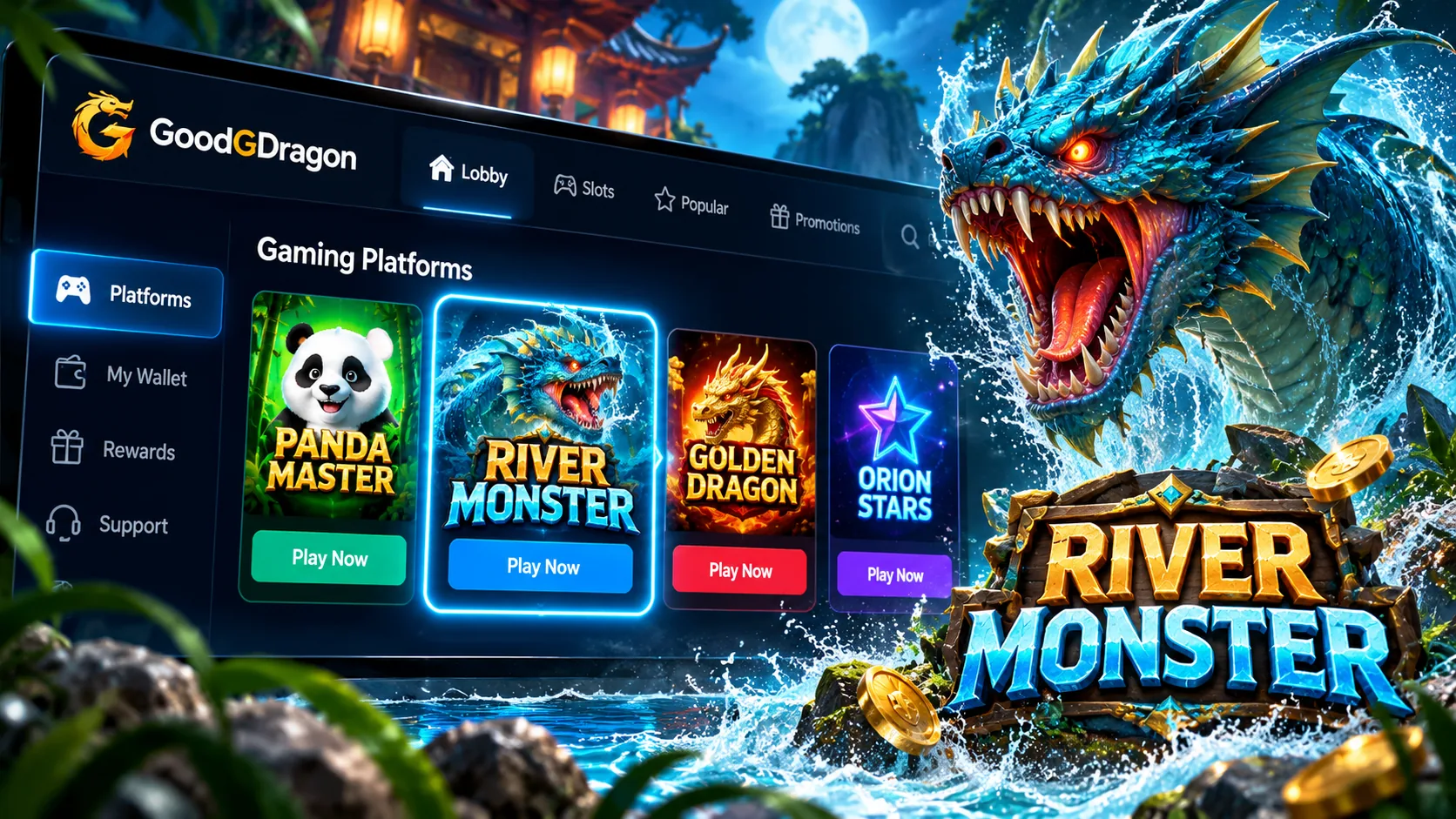
GoodGDragon lists several similarly named destinations. River Monster is the Link2Play entry covered on this page. River Sweeps is a separate Link2Play platform, and Ocean Monsters appears in the Firekirin Exclusive game catalogue.
Choose the exact title you want before launching. Account credentials, balances, and support paths do not automatically transfer between these listings.
River Monster through Link2Play uses the access flow shown on its platform card. Credits, balances, and account recovery for River Monster follow that platform’s own process.
GoodGDragon wallet controls such as Recharge and Redeem apply only when a platform card explicitly shows those options. For River Monster Link2Play, follow the instructions on the River Monster card rather than assuming wallet-integrated controls from other lobby platforms.
Is River Monster available on GoodGDragon?
Yes. River Monster is listed in GoodGDragon Link2Play. Sign in and open the River Monster card to launch it.
How do I open River Monster?
Go to Link2Play, select River Monster, and use the Web or Android access option shown for your device.
Is River Monster the same as River Sweeps?
No. They are separate Link2Play listings. Open the exact title you want.
Where can I get help?
Contact GoodGDragon through the official Contact page and include the platform name plus any error message you see. Never share your password or one-time codes.