Home · About · Blog · Help · Contact
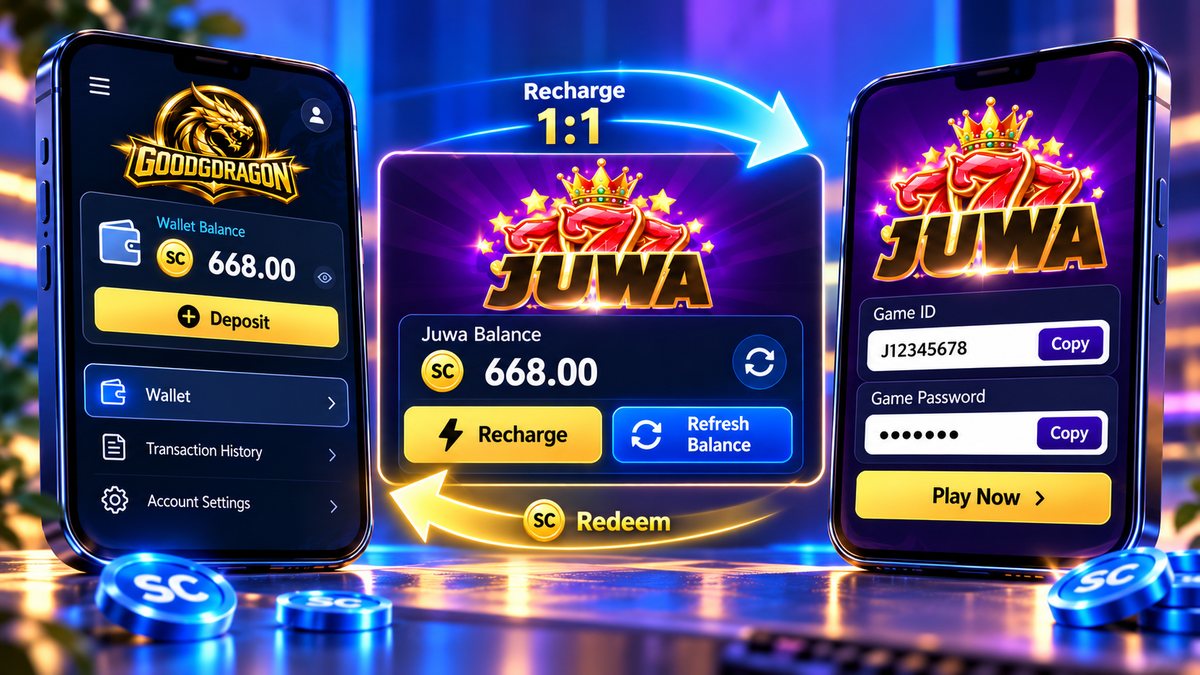
Access Juwa through the wallet-integrated platform in your GoodGDragon lobby. From the Juwa card, you can create or connect your game account, view your Game ID, recharge eligible SC, open Juwa, refresh your balance, and redeem an eligible game balance back to your GoodGDragon wallet.
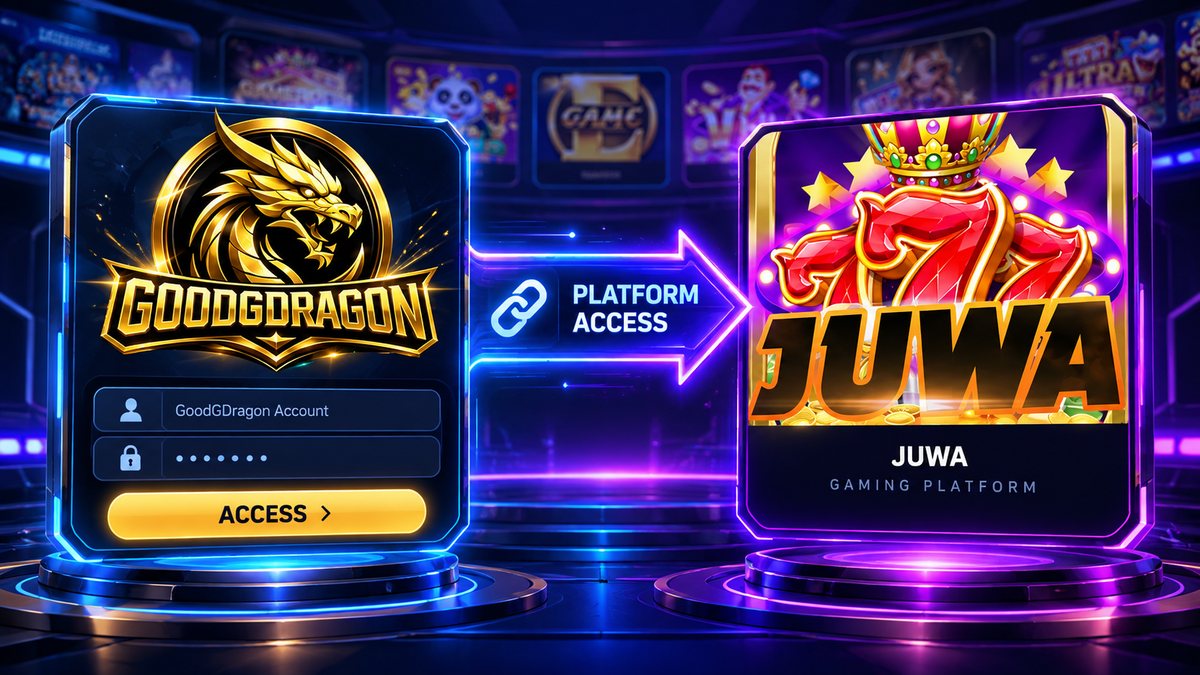
GoodGDragon offers Juwa as a wallet-integrated gaming platform within its lobby. Your GoodGDragon login provides access to the lobby, while Juwa uses a separate game account. This route differs from the external Juwa destination listed under Link2Play, which follows a separate access process. The Juwa platform card displays the account and balance options available for your connected account.
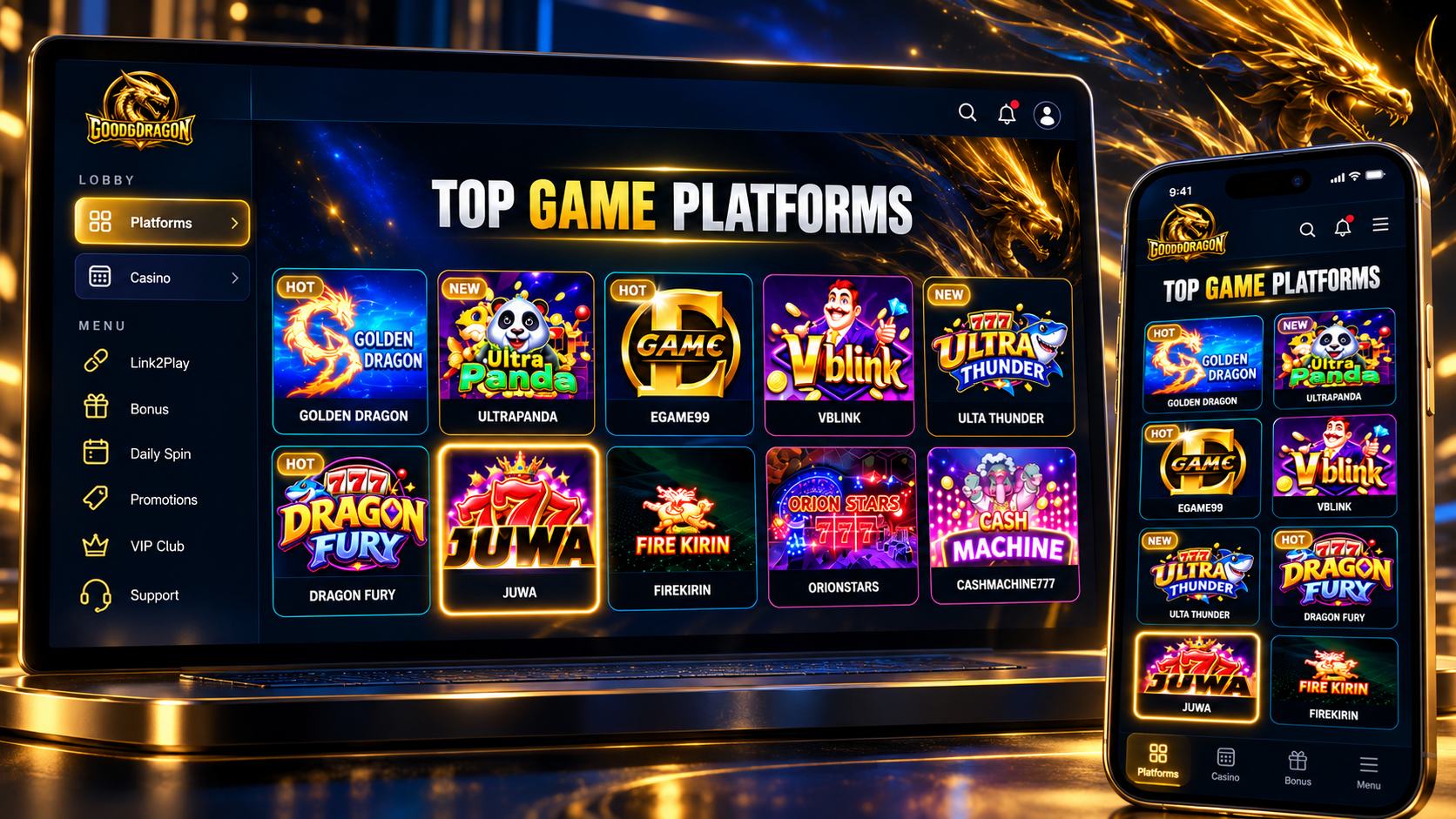
This guide explains how to access Juwa through your GoodGDragon gaming lobby. Learn how the connected Juwa account works, where to find its login controls, and how this platform differs from the separate Juwa destination listed under Link2Play.
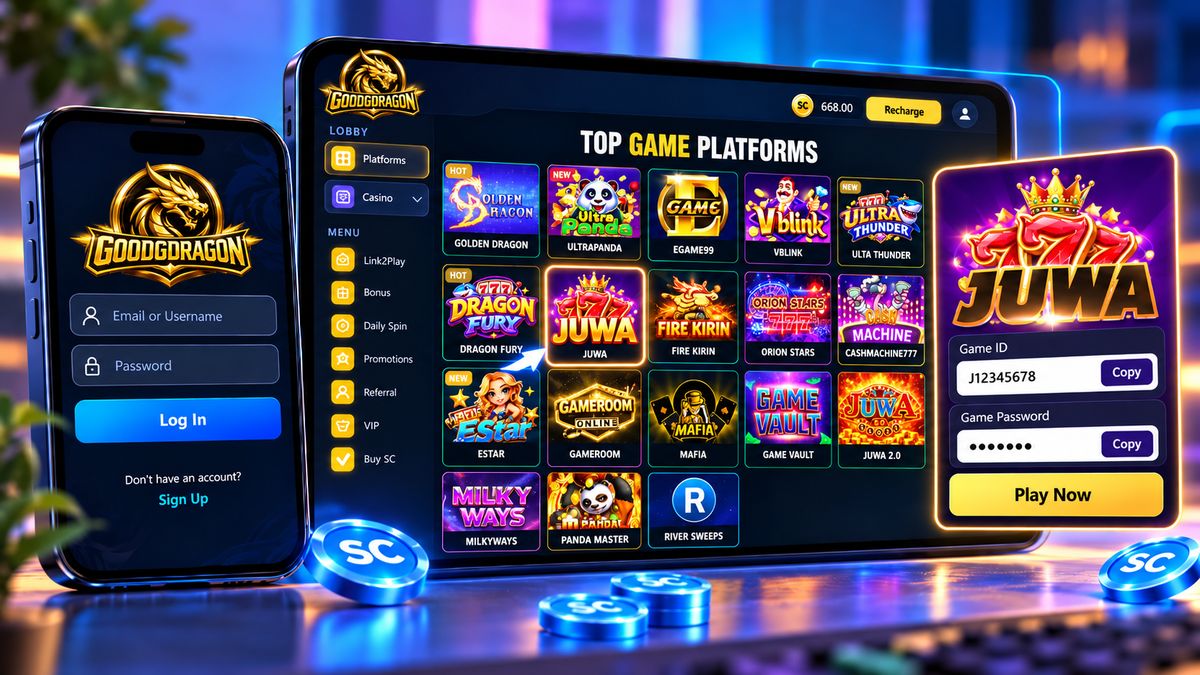
Recharge transfers eligible SC from your GoodGDragon wallet to your connected Juwa game balance. The platform states that supported transfers use a 1:1 rate. Your wallet balance and Juwa game balance are tracked separately, so check the displayed amounts after each transfer. If the Juwa card shows an outdated balance, select Refresh Balance to update it. To return eligible game balance to your GoodGDragon wallet, select Redeem on the Juwa card. Withdraw is a separate step handled through your GoodGDragon wallet and is subject to the current account and eligibility rules.
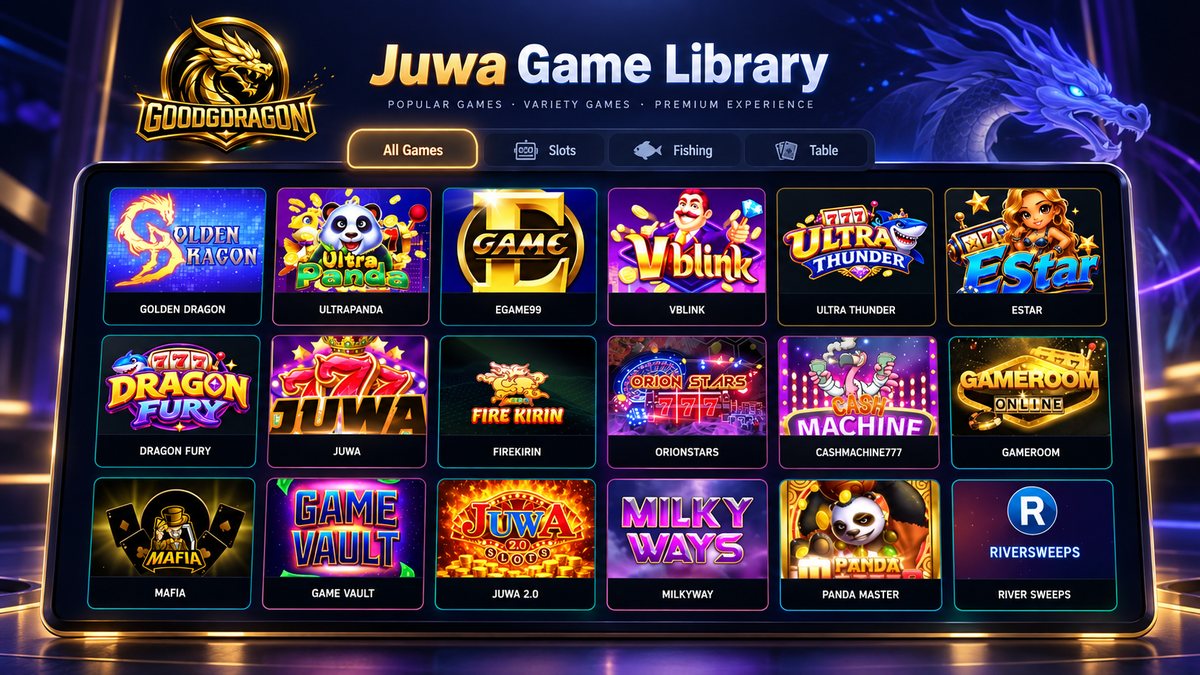
Juwa has its own game library, and available titles may change over time. GoodGDragon does not publish a verified catalogue of games for the Juwa platform connected through its lobby. To see which games are currently available to your account, open the Juwa card in your GoodGDragon lobby and review the titles shown inside the platform. Availability may vary, so do not assume that a game listed on another website is available through your connected Juwa account.
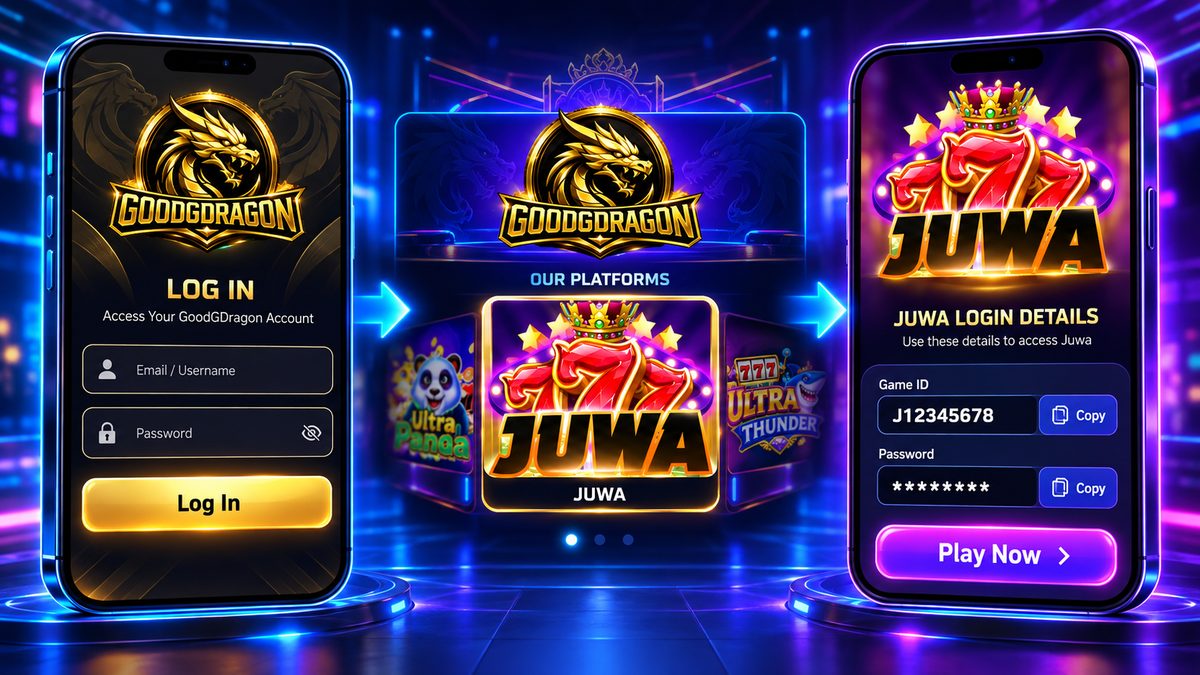
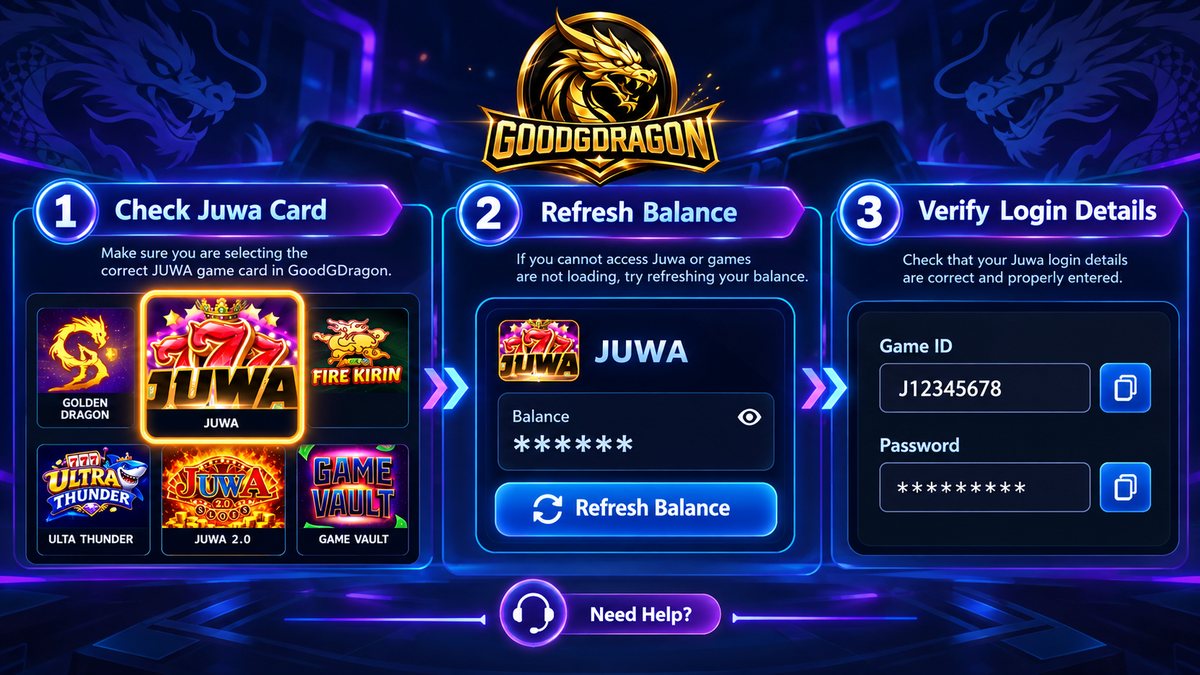
Your GoodGDragon login details are separate from your Juwa game credentials. First, sign in to your GoodGDragon account and open the Juwa platform card in your lobby. If your Juwa account is registered or connected, use the Game ID and game password provided through the card to access the game. Keep your credentials private and use the details associated with your Juwa account. If the credentials are missing or do not work, check your account connection or contact GoodGDragon support for assistance.
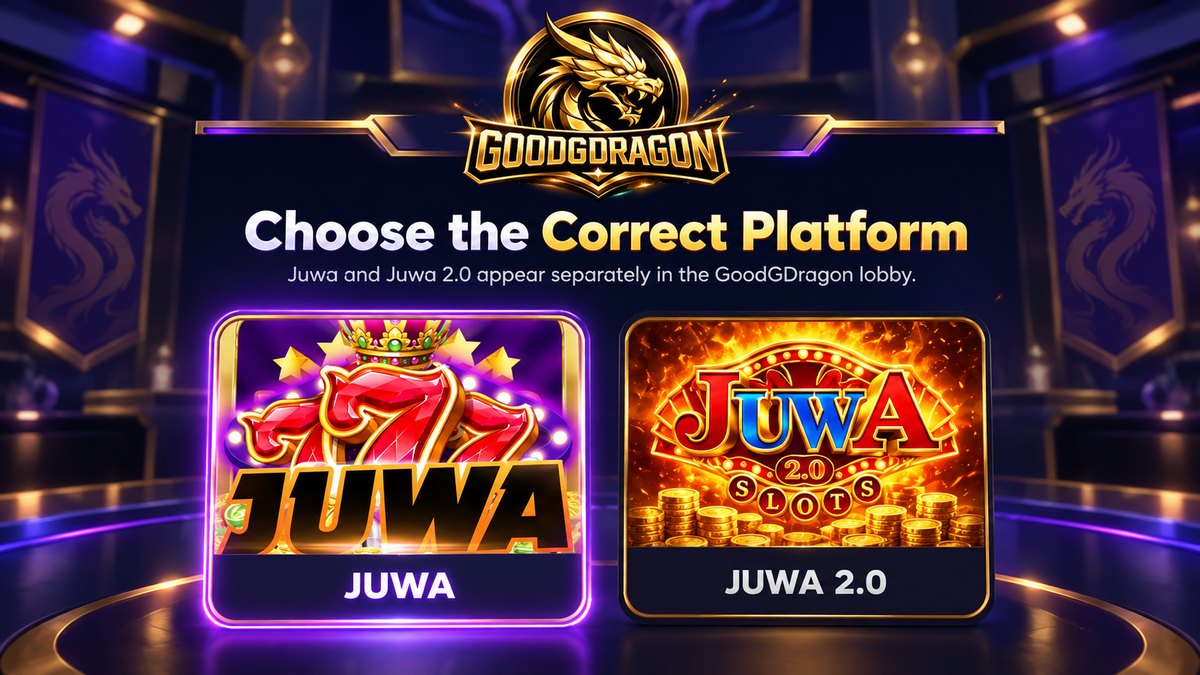
The GoodGDragon lobby lists Juwa and Juwa 2.0 as separate platform options. This page covers the standard Juwa option only. Before continuing, select the platform you intend to use and check the details shown in your lobby. Do not assume that login credentials, game balances, or account settings for one option automatically apply to the other. If you are unsure which option is connected to your account, contact GoodGDragon support for clarification.
If Juwa does not open, check that you selected the standard Juwa card in your GoodGDragon lobby rather than Juwa 2.0. If your displayed game balance seems outdated, select Refresh Balance and check again. For login issues, use the Game ID and password shown on your connected Juwa card instead of relying on older saved credentials. If the problem continues, contact GoodGDragon support and describe the error message. Never share your password with anyone.
GoodGDragon provides a lobby through which users can access the connected Juwa platform. Although the two are linked in this access flow, Juwa remains a separate gaming platform with its own game interface. Use the Juwa option displayed in your GoodGDragon lobby and follow the account instructions provided for that specific connection. For other available gaming systems, visit the platform directory.
Is Juwa the same as GoodGDragon?
No. Juwa is a separate third-party gaming platform accessed through the connected route described on this page. GoodGDragon provides the lobby and account-access features for that route.
Are my GoodGDragon and Juwa login details the same?
No. Your GoodGDragon login opens your GoodGDragon account. Your connected Juwa platform card displays the Game ID and game password used to access Juwa.
Are Juwa and Juwa 2.0 the same platform?
No. They appear as separate options in the GoodGDragon lobby. Select the platform you intend to use and check its own account details.
Where can I find my Juwa Game ID and password?
Open the Juwa card in your GoodGDragon lobby after registering or connecting your account. The card displays the credentials associated with that Juwa entry.
What should I do if my Juwa balance does not update?
Select Refresh Balance on the connected Juwa card and check again. If the issue continues, contact GoodGDragon support through its official contact page.
Where can I see the games currently available on Juwa?
Open the connected Juwa platform and review its current game library. Available titles may change, so the live platform is the best place to check the current selection.
Does the Link2Play Juwa option use the same wallet controls?
Do not assume it does. This page covers the wallet-integrated Juwa route in the GoodGDragon lobby, while the separate Link2Play destination follows a different access route. Check the details for the specific option you select.
Sign in to GoodGDragon and open the connected Juwa platform from your game lobby. Check the account details shown on your Juwa card before launching the platform.