Home · About · Blog · Help · Contact
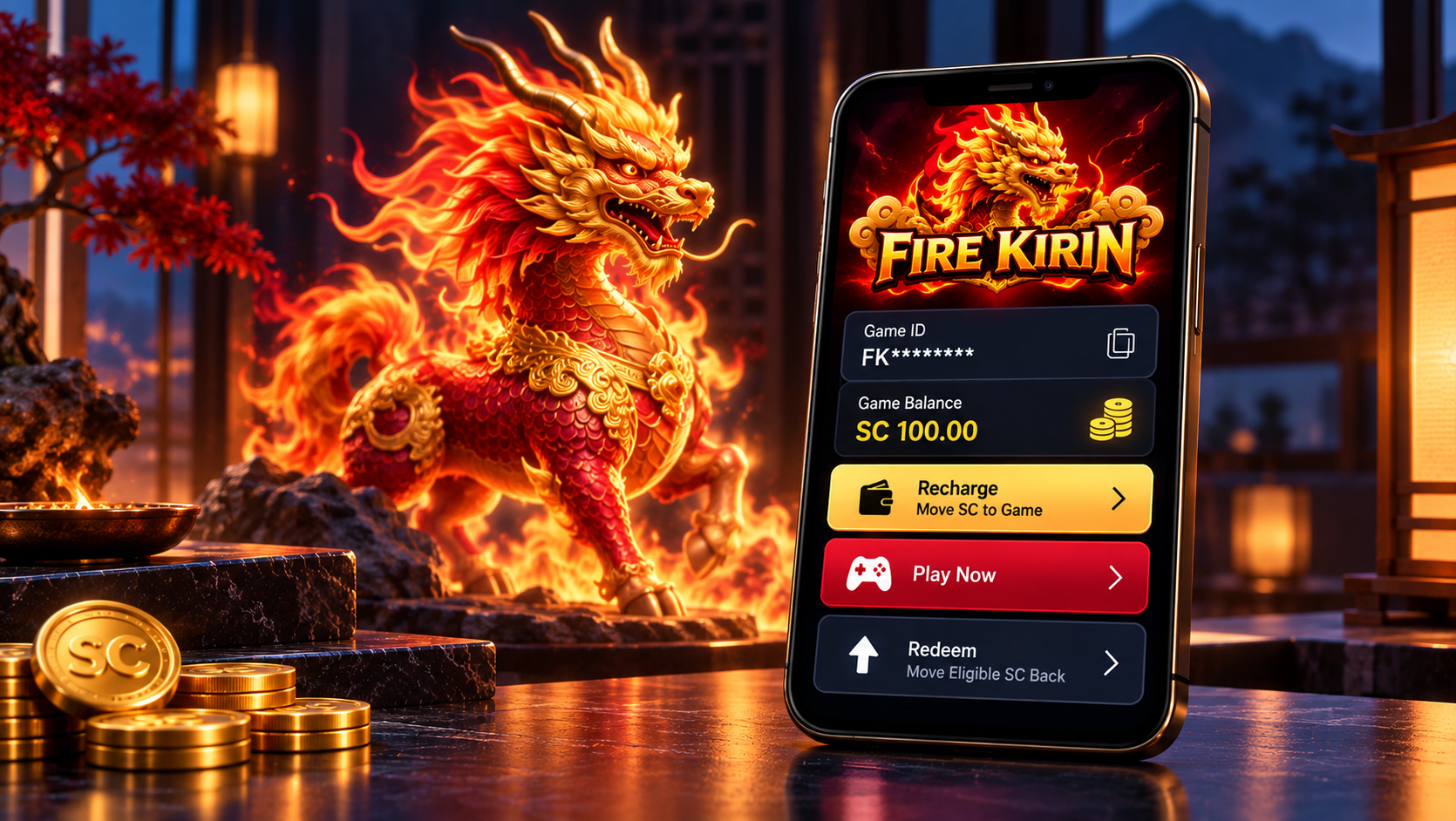
Access Fire Kirin from your GoodGDragon lobby, connect an existing game account or create a new one, then use Recharge, Play Now and Redeem from the platform card.
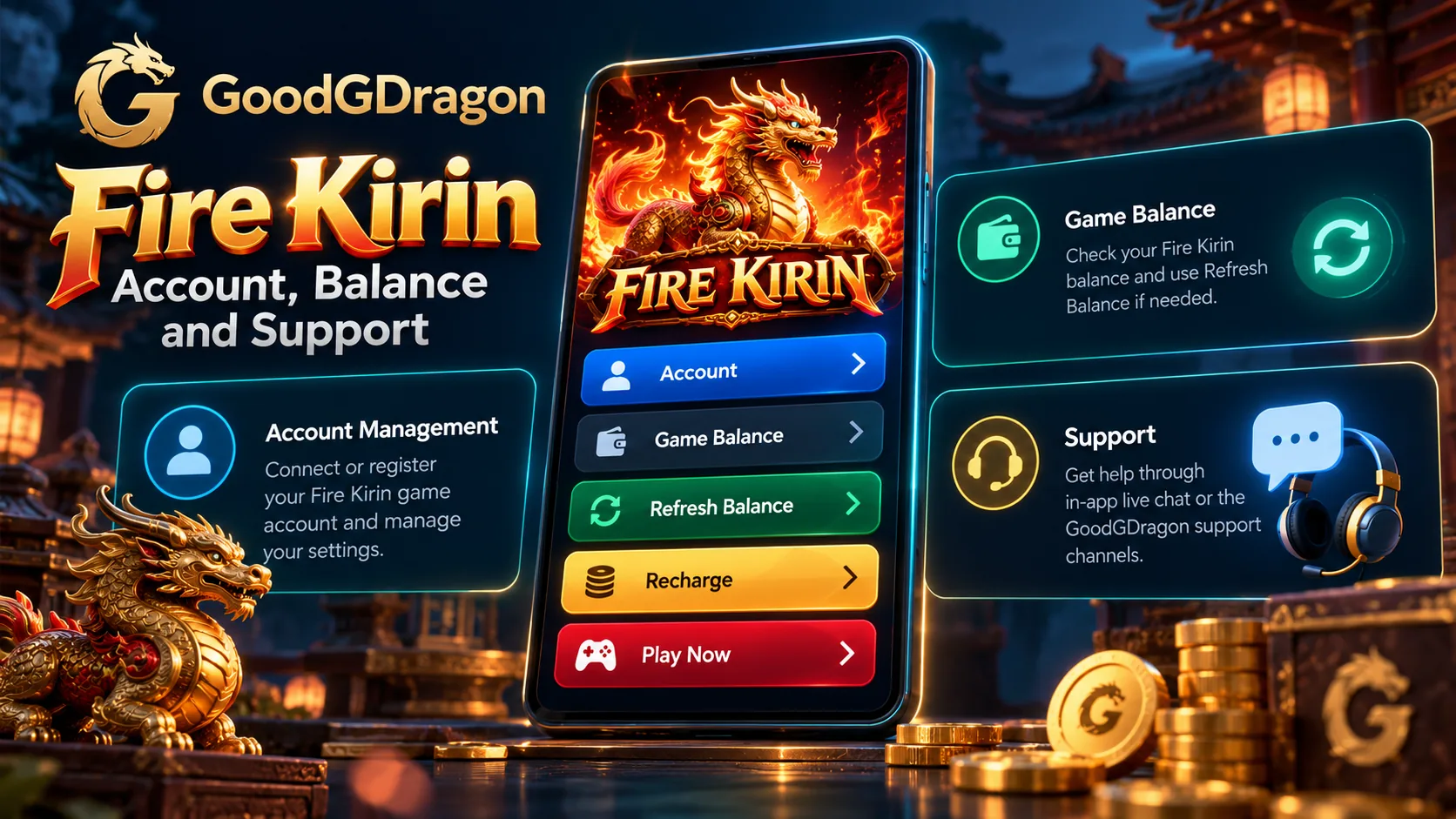
Once the game account is connected or created, your Game ID and password appear on the Fire Kirin card. Use Refresh Balance if the displayed balance looks out of date.
Firekirin uses its own game account within the wallet-integrated GoodGDragon lobby. If you already have a supported Firekirin account, select Connect Your Account on the platform card. Otherwise, choose Register to create a game account.
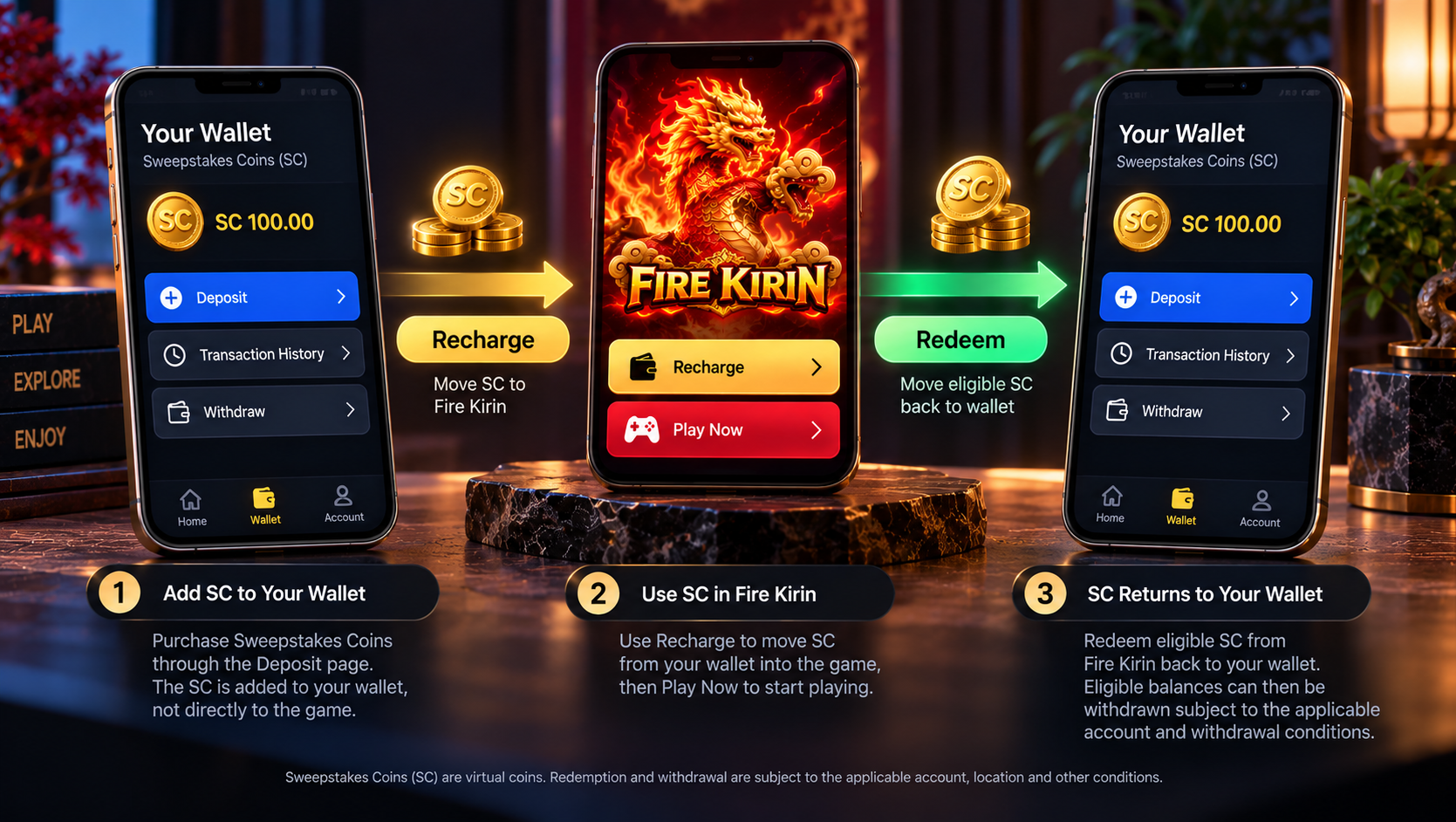
After connecting or registering, use the Game ID and password controls shown on the Firekirin card. Select Recharge to move eligible Sweeps Coins (SC) from your GoodGDragon wallet into the game, and choose Play Now to open Firekirin. If the displayed balance looks outdated, use Refresh Balance. Redeem moves eligible game balance back to your GoodGDragon wallet.
Note that the separate Fire Kirin destination under Link2Play follows a different access route and should not be confused with this wallet-integrated platform.
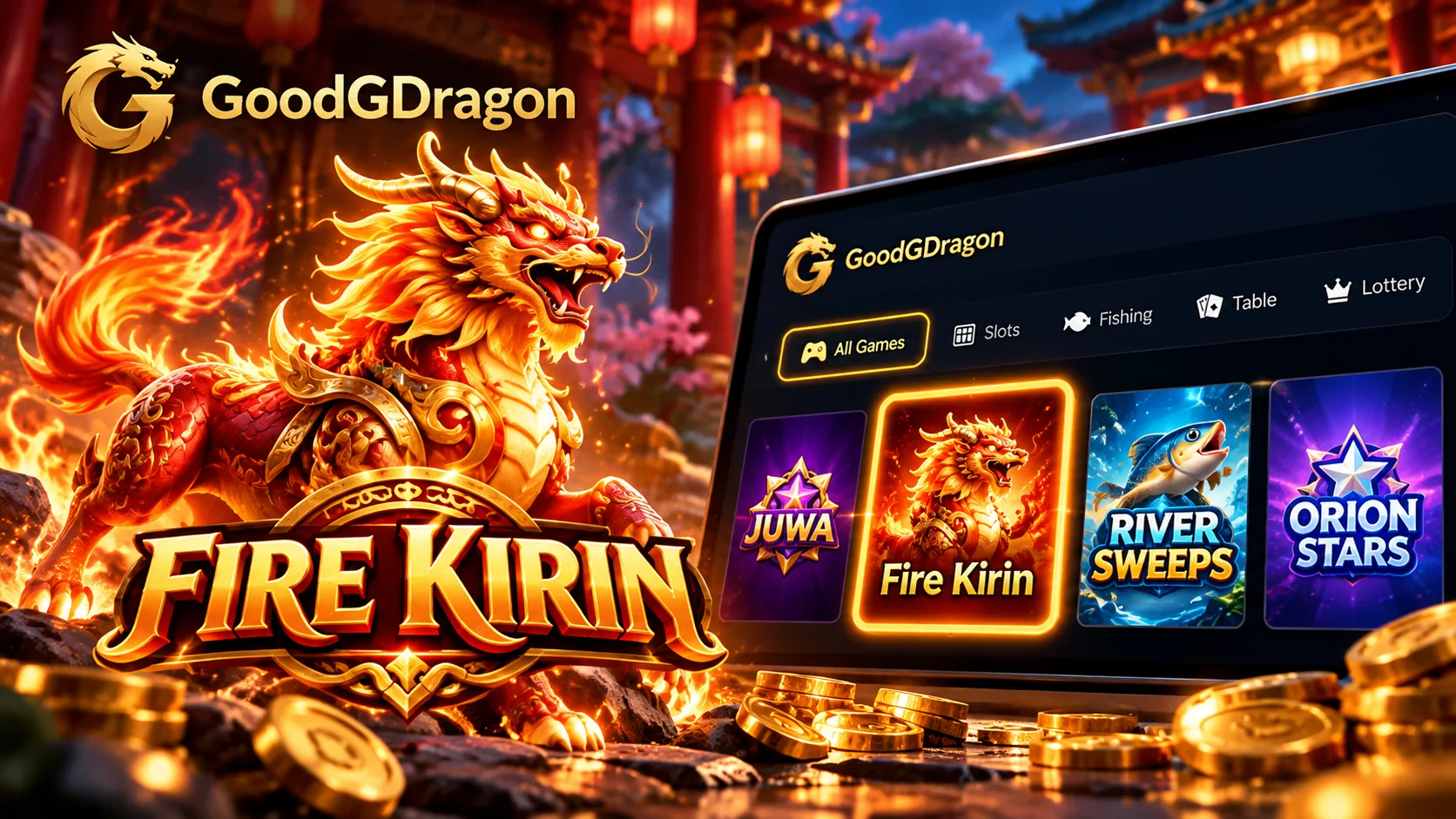
The Firekirin platform card in GoodGDragon displays the account and access controls available for your connected game account. Depending on your account status, you may see options to connect an existing account or register a new one.
After setup, check the card for your Game ID, password, and available game controls. Use only the instructions shown for your connected Firekirin account, as features may vary. The separate Fire Kirin destination under Link2Play may follow a different access process.
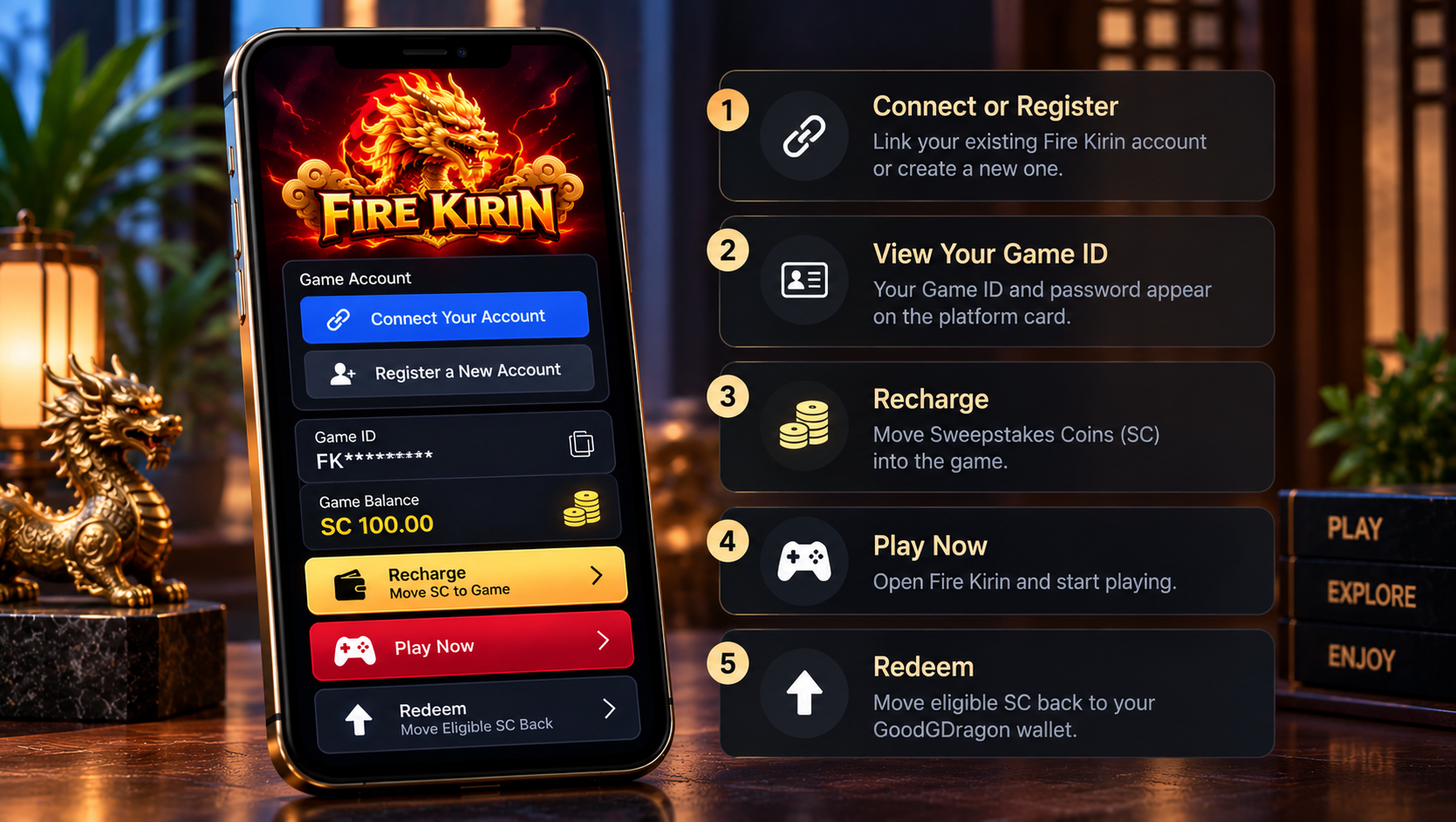
To fund your Fire Kirin game balance, first purchase eligible Sweeps Coins (SC) through the GoodGDragon Deposit page. Purchased SC are credited to your GoodGDragon wallet, not directly to the game.
Open the Fire Kirin platform card and select Recharge to transfer eligible SC from your wallet into the game. To return eligible game balance to your wallet, use Redeem on the platform card. Check the displayed balances after each transaction, and use Refresh Balance if the game balance appears outdated.
Withdraw is a separate process and depends on your account eligibility and the current GoodGDragon terms.
Your Fire Kirin platform card gives you one place to manage the game account, check the displayed balance and access the main controls. If the balance looks out of date, use Refresh Balance before assuming there is a problem.
If something does not work as expected, contact GoodGDragon support through the in-app live chat or support@goodgdragon.com. For deposit or recharge issues, include the relevant transaction details so support can identify where the process stopped.
Is Fire Kirin available on GoodGDragon?
Yes. Fire Kirin is available through the GoodGDragon platform lobby, subject to current availability and account eligibility.
Do I need a separate Fire Kirin account?
Yes. Your GoodGDragon login gives you access to the lobby, while Fire Kirin uses its own game account. Use the platform card to register a new account or connect a supported existing account.
Where can I find my Fire Kirin Game ID and password?
After connecting or registering your account, check the Fire Kirin platform card for the available Game ID and password controls. Keep your login details private.
How do I recharge my Fire Kirin balance?
Purchase eligible Sweeps Coins (SC) through GoodGDragon first, then use Recharge on the supported Fire Kirin platform card to transfer eligible SC into the game.
What should I do if my Fire Kirin balance looks incorrect?
Use Refresh Balance if available and check the transaction status. If the issue continues, contact GoodGDragon support for assistance.
Can I use the same balance controls for Fire Kirin through Link2Play?
Do not assume so. The Fire Kirin platform in the main lobby and a separate Link2Play destination may follow different access and balance processes. Follow the instructions for the specific route you select.
Access to Fire Kirin and participation through GoodGDragon may depend on your age, location, account status and the terms that apply to your account or promotion.
You must be 18+ to participate. Set personal limits, take breaks and only use money you can afford to lose. If you need help with your account or access, contact GoodGDragon support.