Home · About · Blog · Help · Contact
Egame99 is one of the gaming platforms listed in the GoodGDragon lobby. Sign in to your GoodGDragon account, locate the Egame99 platform card, and follow the account setup and access instructions displayed there. Available games and access options may change, so check the current platform for the titles available to your account.
Your GoodGDragon login and any separate Egame99 game credentials may serve different purposes. Use the account details shown in your own lobby, and review the current eligibility requirements before accessing the platform.
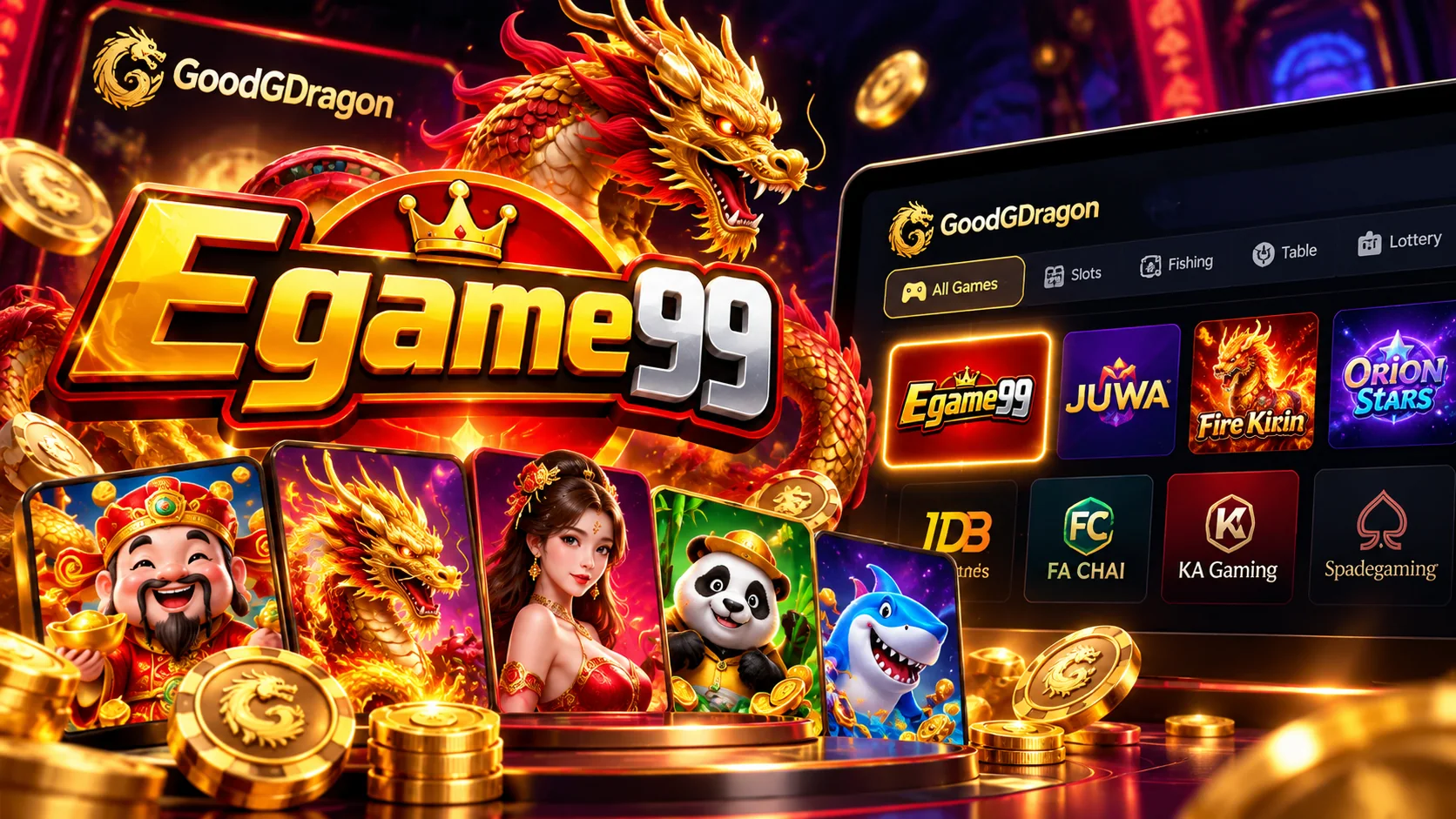
Egame99 is listed among the gaming platforms available through the GoodGDragon lobby. After signing in, find the Egame99 card and review the account and access options shown for your account.
If the card offers Connect Your Account, use it to link a supported existing Egame99 account. If Register is available and you are new to the platform, follow the displayed setup instructions. Use the game credentials shown on your specific Egame99 card, and select Play Now if that option is available to launch the platform.
To fund Egame99, first purchase available Sweeps Coins (SC) through the GoodGDragon Deposit page. Purchased SC are added to your GoodGDragon wallet, not directly to your game balance.
Open your Egame99 platform card and select Recharge to transfer eligible SC from your wallet into the connected game. To return eligible game balance to your GoodGDragon wallet, use Redeem on the Egame99 card. Check the displayed balances after each transaction and use Refresh Balance if the game balance appears outdated.
Redeem and Withdraw are separate steps. Redeem returns eligible game balance to your GoodGDragon wallet, while Withdraw is the separate process for requesting an eligible payout from your wallet. Current account rules and eligibility requirements apply.
If your Egame99 balance appears outdated after a transaction, check the transaction status and use Refresh Balance if that option is available on your platform card. Allow the transaction to finish before attempting it again.
If a Recharge or Redeem transaction appears incomplete, note the transaction reference, amount, and status shown in your account. Avoid repeating a transaction while its status is unclear.
If the issue continues, contact GoodGDragon support for help with the lobby or wallet. For a problem occurring only inside Egame99, follow the support instructions provided for that platform. Never share your password or one-time security codes.
What games are available on Egame99?
The available game selection can change over time. Check the Egame99 lobby for the current titles available to your account.
Can Egame99 game availability vary by location?
Yes. GoodGDragon's overall game catalogue and access availability may depend on your location and account eligibility. Review the current requirements before participating.
Is every website or app using the Egame99 name connected to GoodGDragon?
Not necessarily. Similar names do not guarantee that two services share the same account system or platform. Use the Egame99 listing provided in your GoodGDragon lobby.
What age requirements apply?
You must be at least 18, or the legal age of majority in your state if higher, and located where participation is permitted. Check GoodGDragon's current Terms and Conditions for applicable restrictions.
Play Responsibly
Keep gaming recreational and within limits you can afford. Set personal limits, take breaks, and never use money needed for essential expenses. If gaming begins to affect your finances, responsibilities, or well-being, consider stepping away and using the responsible-gaming resources available.